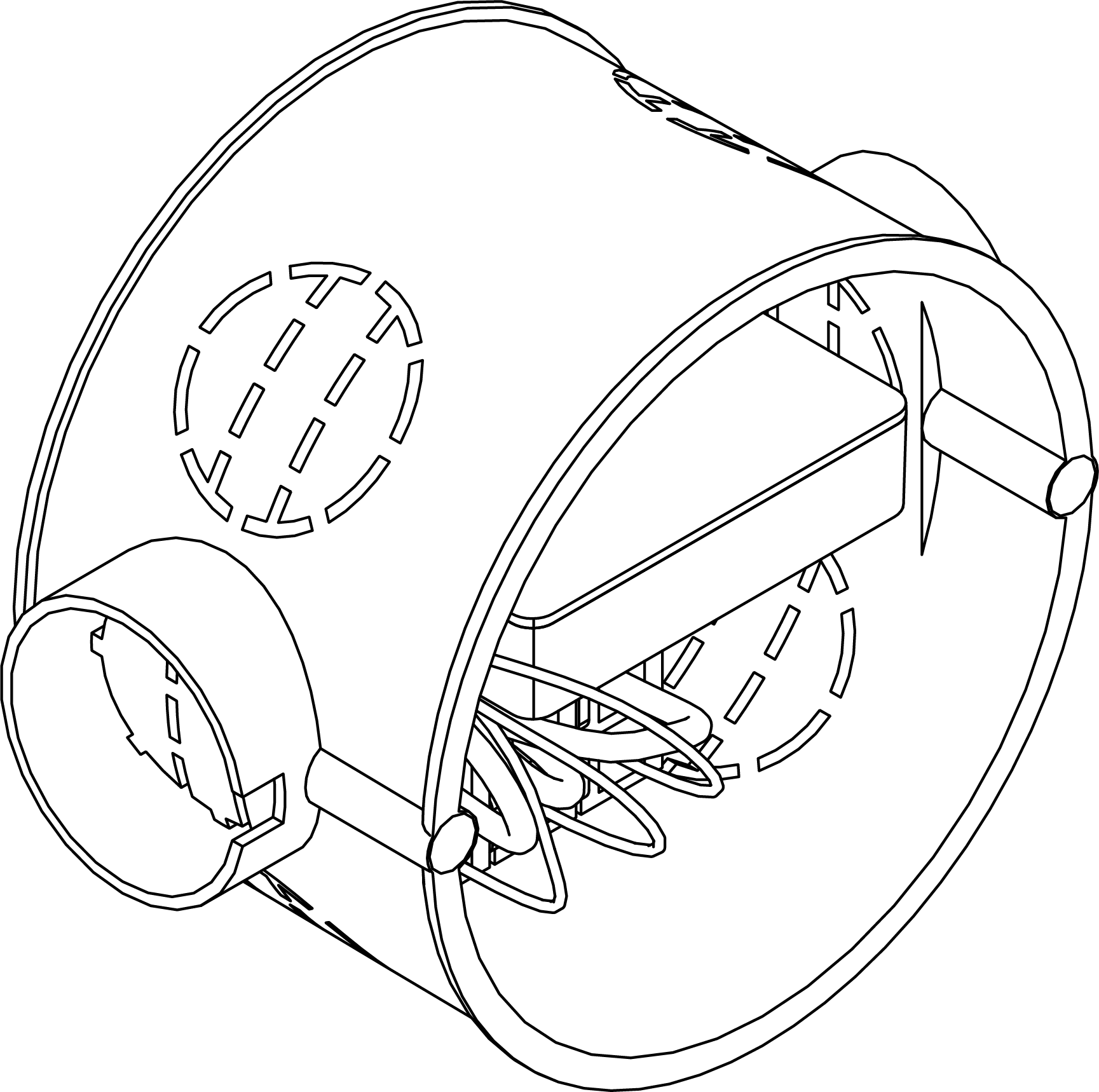
Flush-mounted - Control device AX
- Control Device AX programmed (see Programming).
- Remove the insulation from the required connections on the function cable.
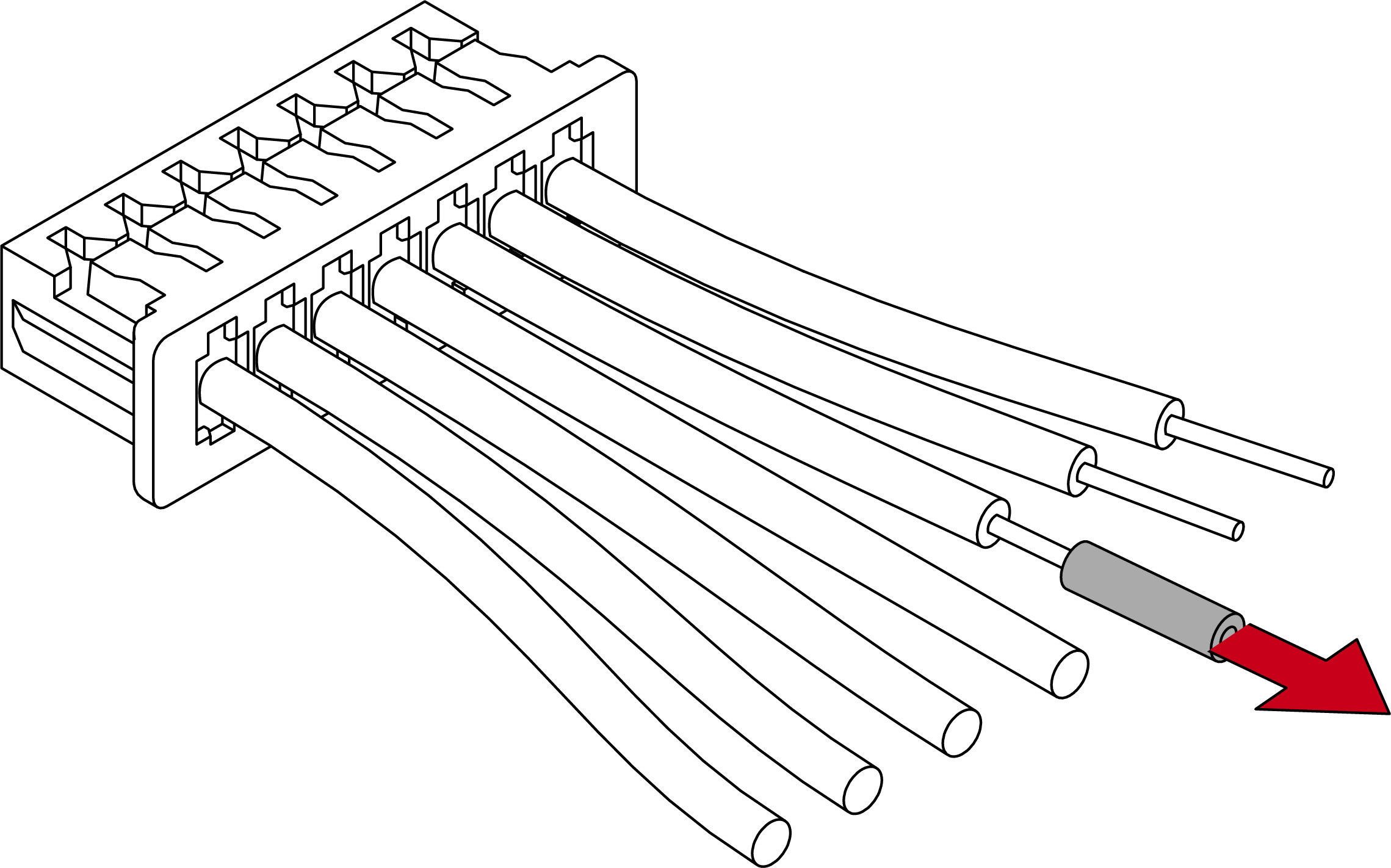
- Connect the functional cable connectors to the existing cabling.
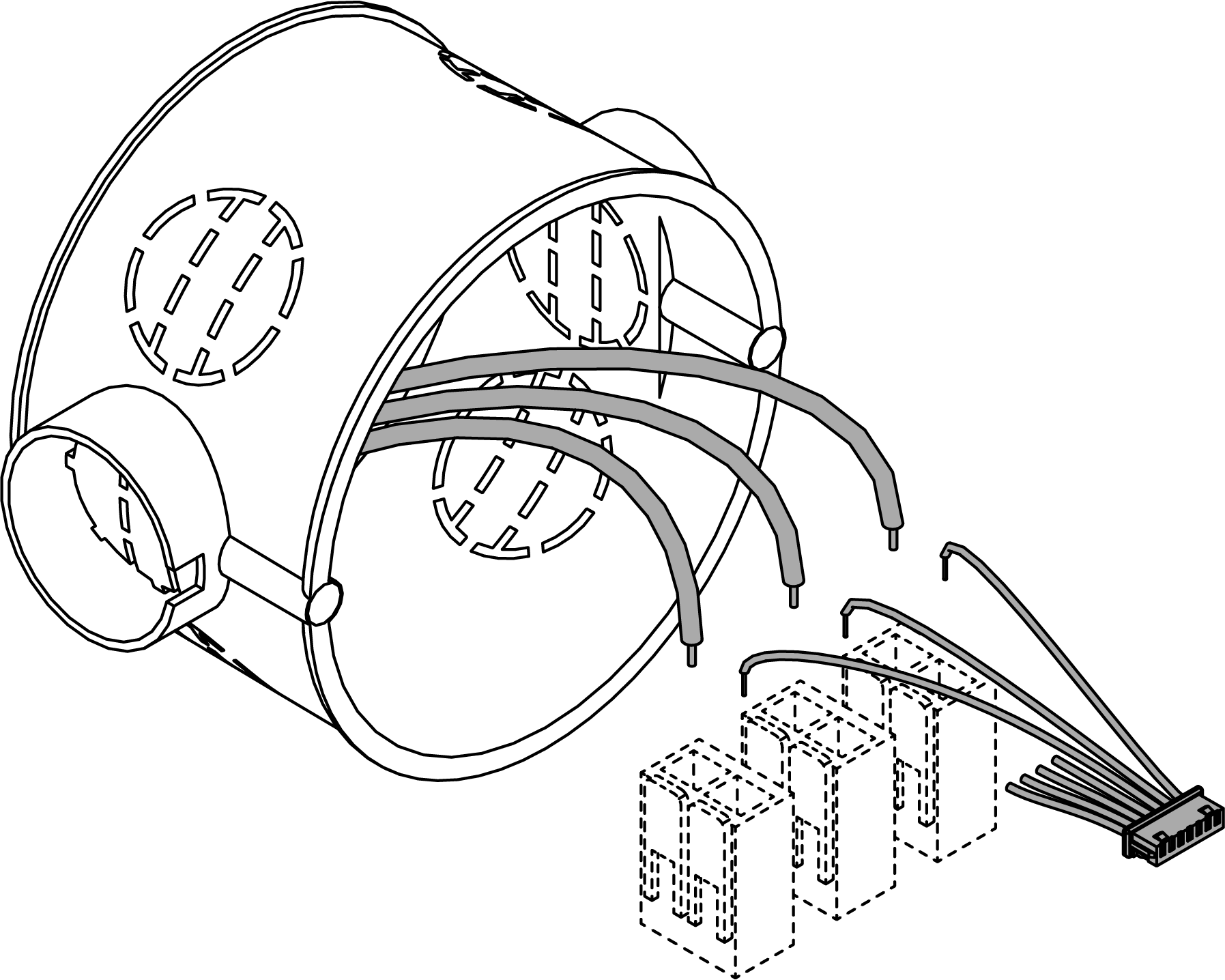
Connections shown:
Black (connector 7)
GND (earth)
Red (connector 6)
VDD (supply voltage 4 VDC to 24 VDC)
e.g. green (connector 5)
Function input
- Plug the function cable into the Control Device AX.
- Connect the external battery pack cable.
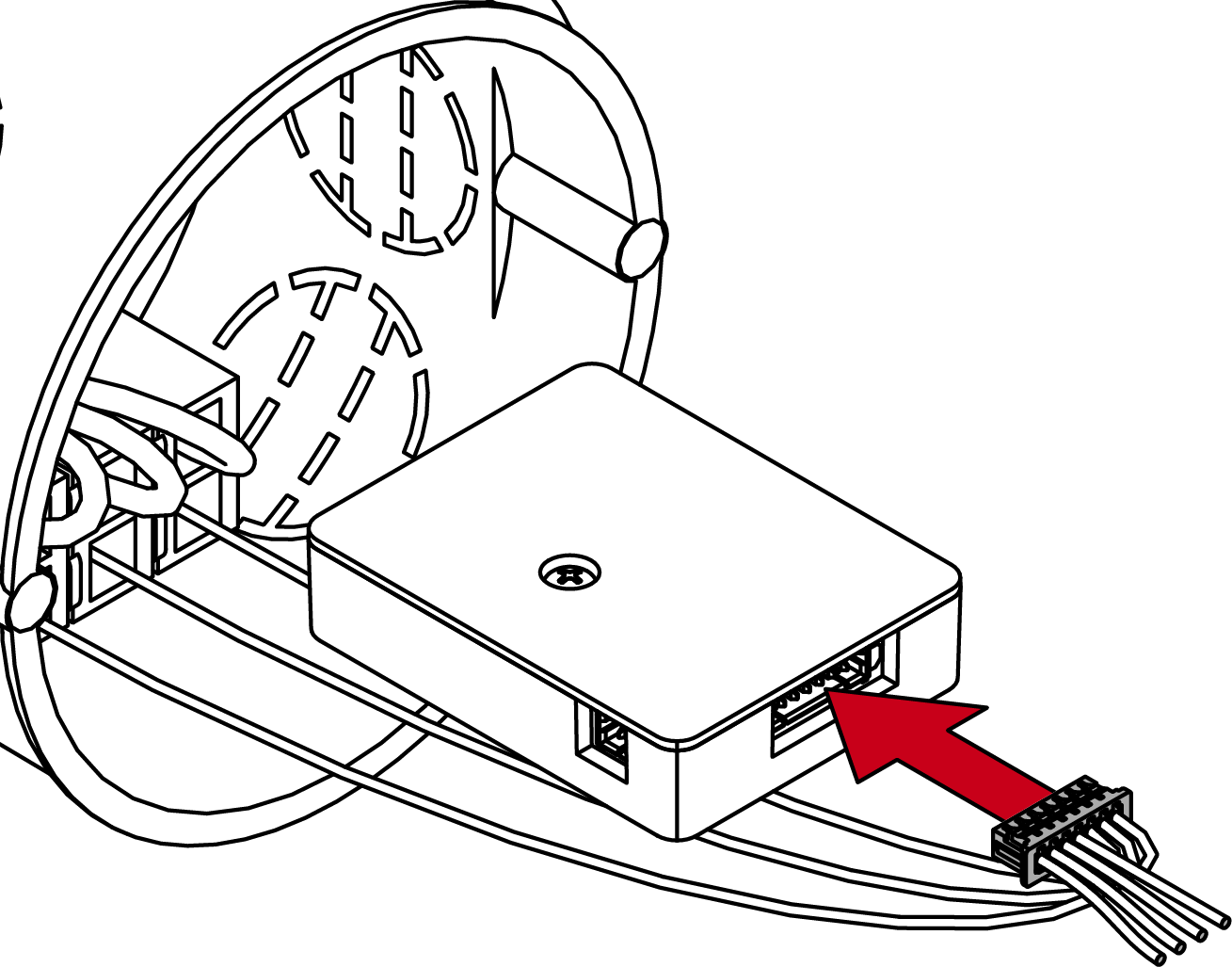
- Insert the Control Device AX into the designated flush-mounted socket.
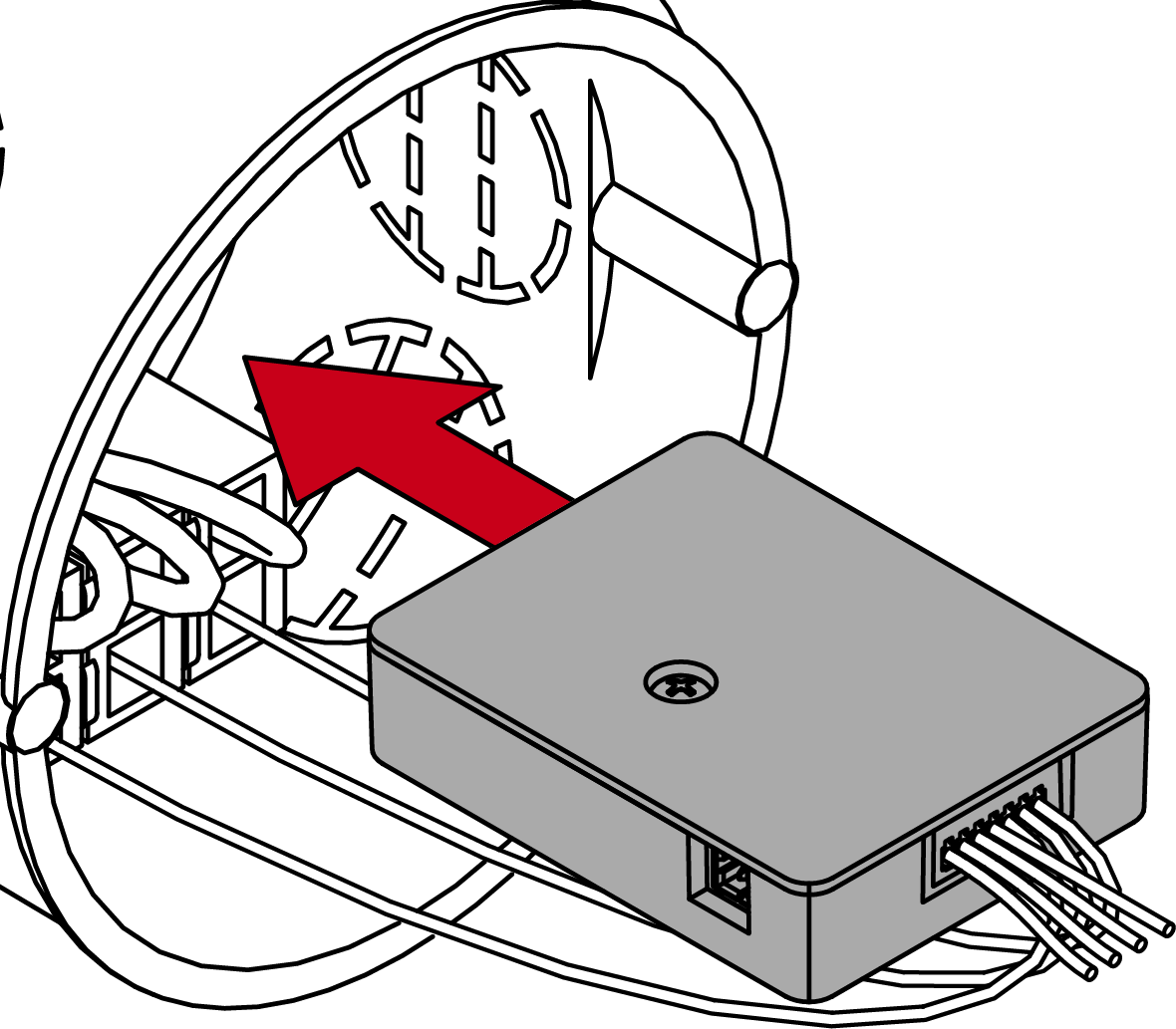
- Control Device AX is installed.