Deleting keys - AX2Go
You cannot delete keys yourself as an AX2Go app user. Deletion is only possible if the locking system administrator has revoked your AX2Go key.
To delete a revoked key, proceed as follows:
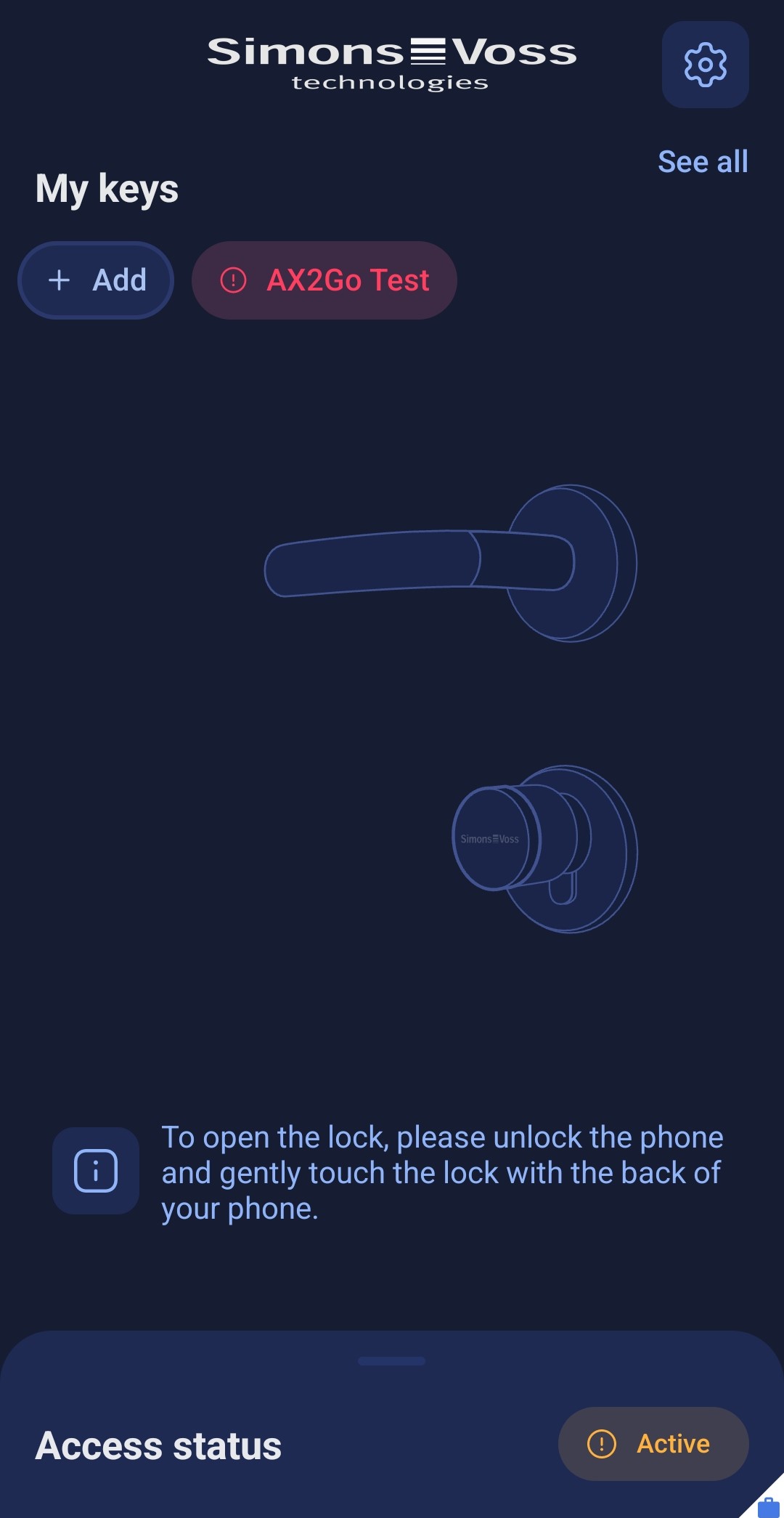
- Click on your revoked key.
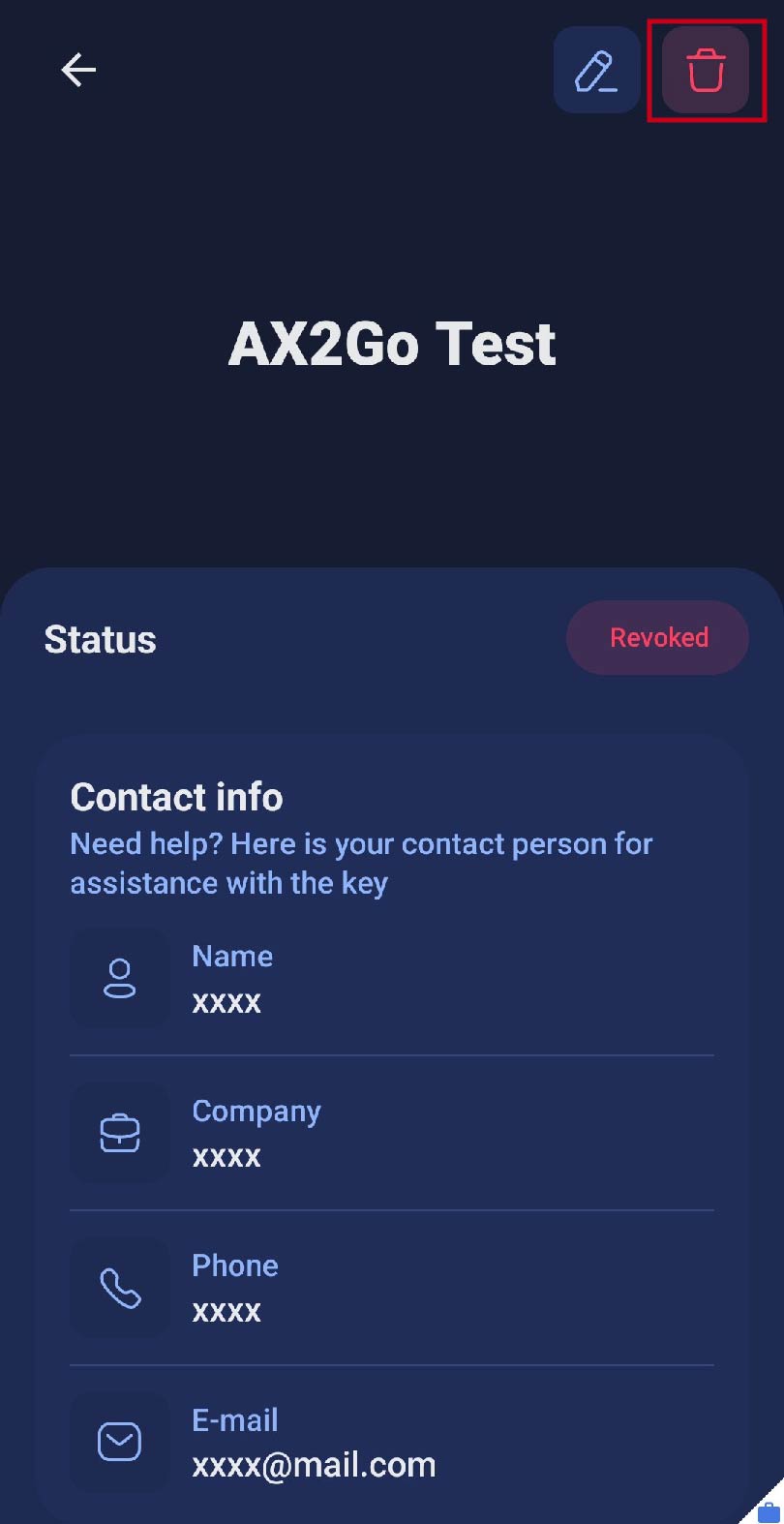
- This will take you to the key details.
- Click on the icon in the top right-hand corner.
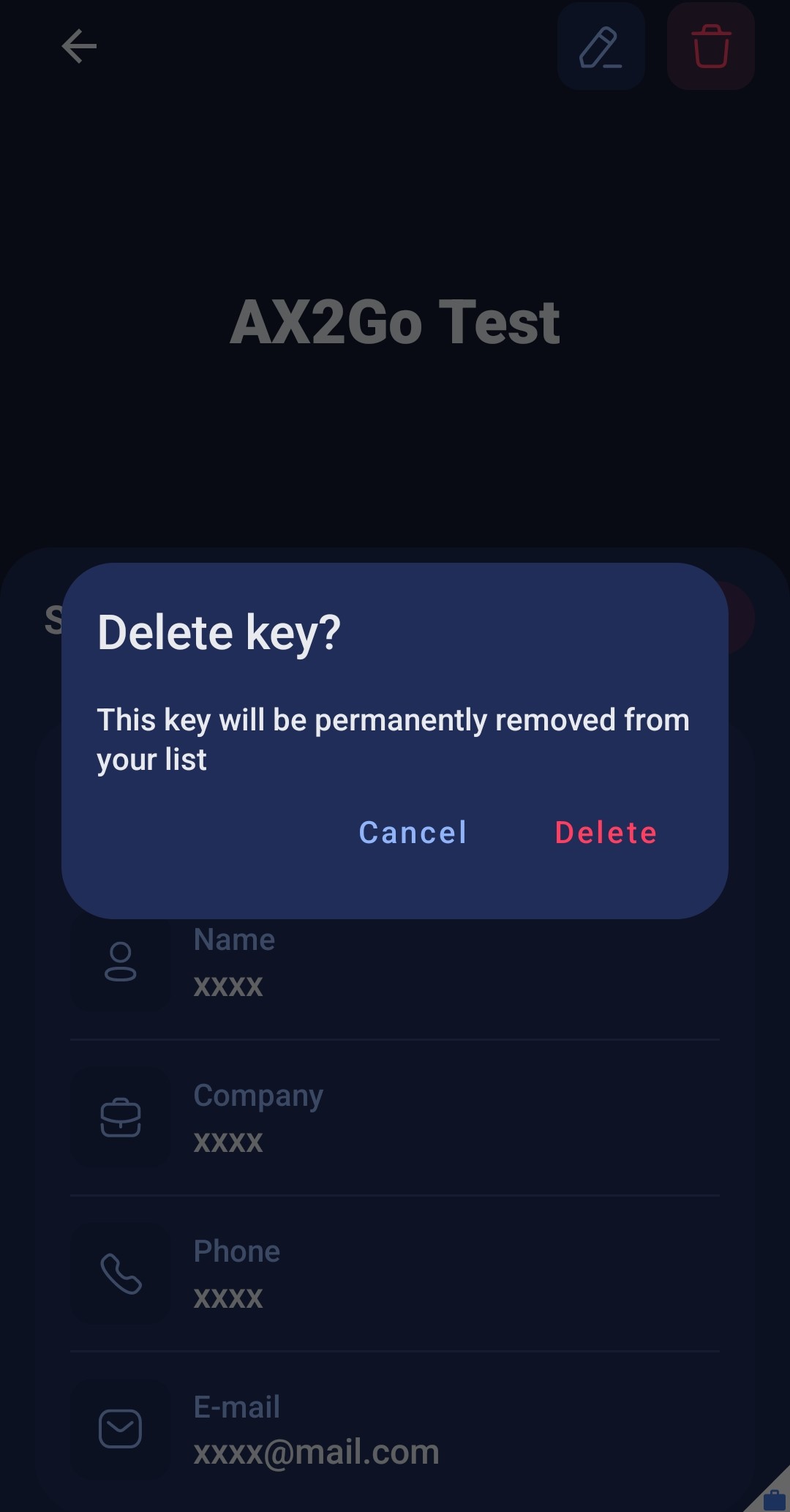
- A window will appear asking you whether you are sure you want to permanently delete the key.
- Click on .
- Your AX2Go key has been deleted successfully.