Issuing authorisations - AX2Go
To use the AX2Go app correctly, you need to issue the following authorisations as a minimum after installation. The authorisations you can issue depend on the version of the operating system.
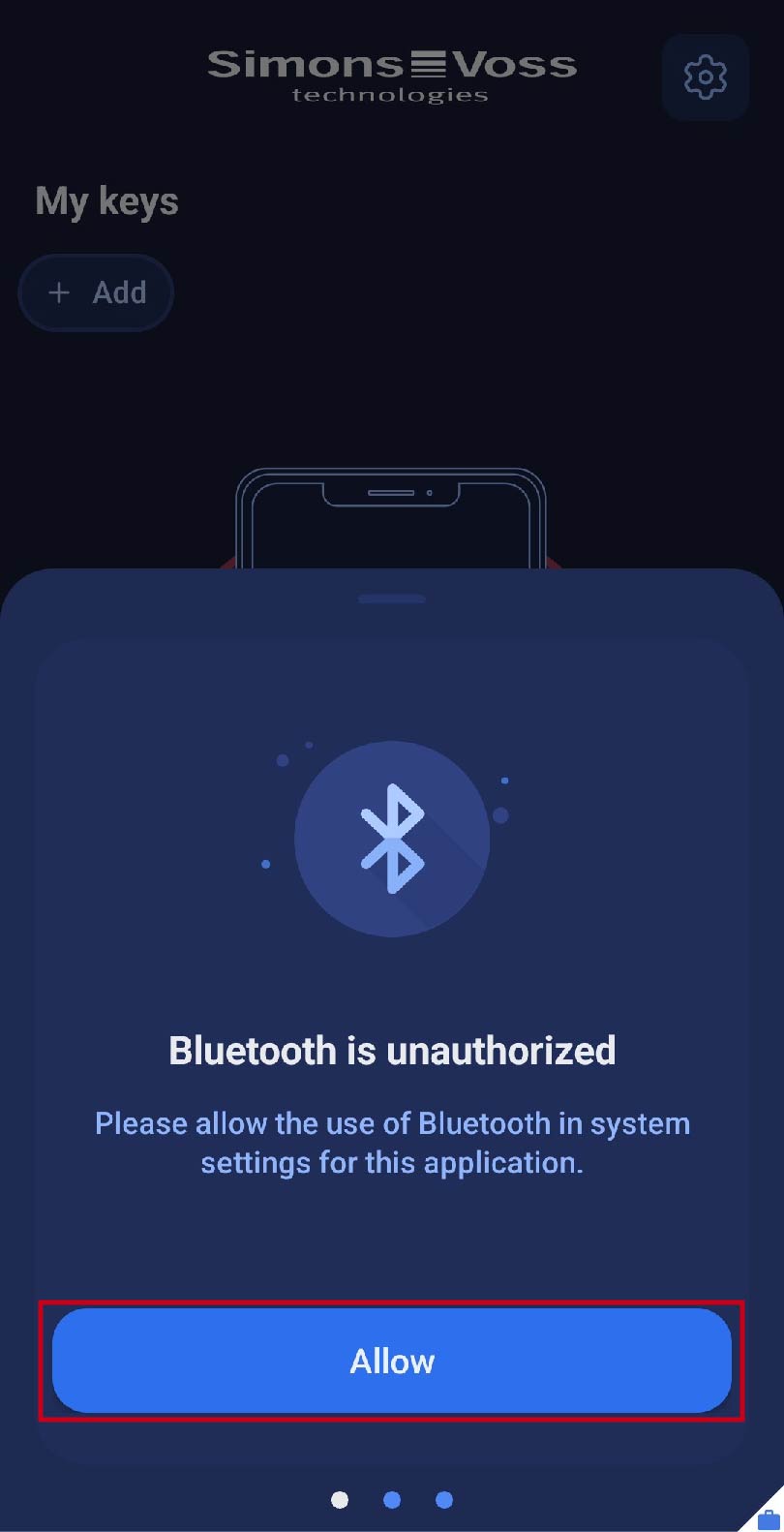
Bluetooth
- Turn on Bluetooth on your device. Click on the field. You will be directed to your smartphone system’s settings, where you can enable Bluetooth.
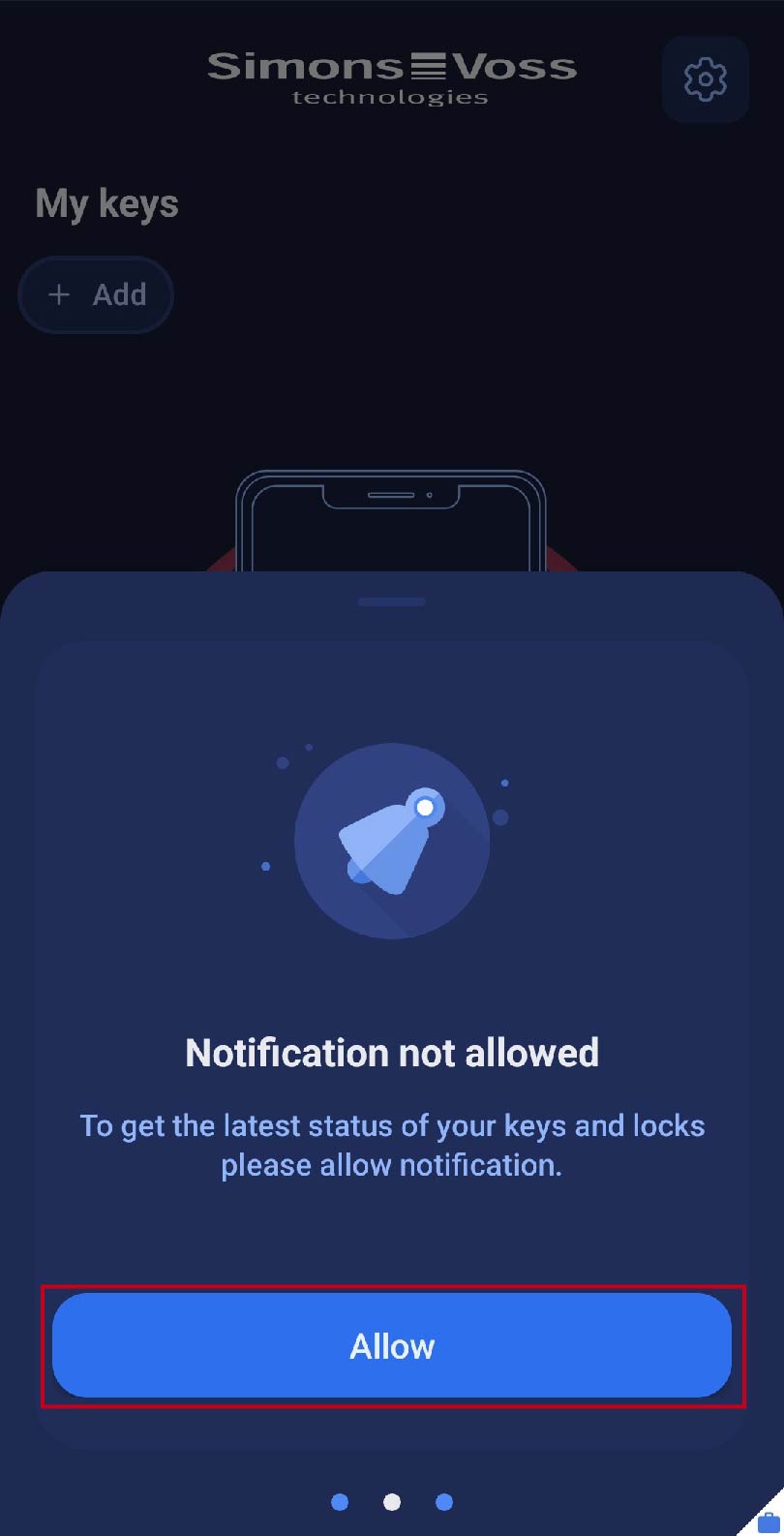
Notifications
- Notifications must be enabled so that you can receive updates to access authorisations automatically and the app can also be notified in the background in the event of non-authorisation. Click on the field. You will be directed to your smartphone’s system settings, where you can enable notifications for the app.
- You have granted all essential authorisations and can now use the AX2Go app.