QR code - AX2Go
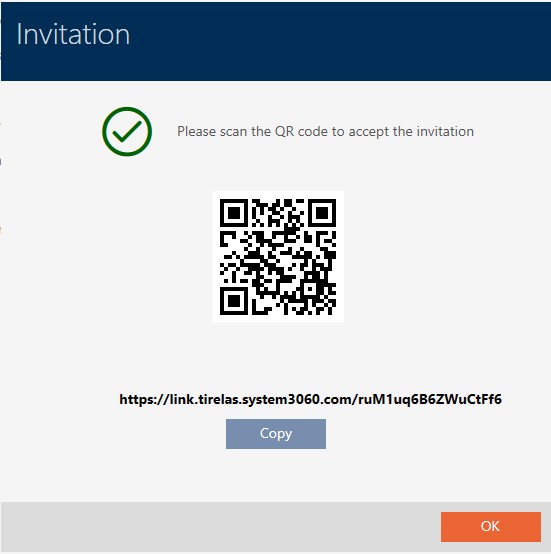
You can also add and activate your AX2Gokey using a QR code. For this purpose, the locking system administrator generates a QR code in the AXM Plus software, which you can then simply scan using the AX2Go app.
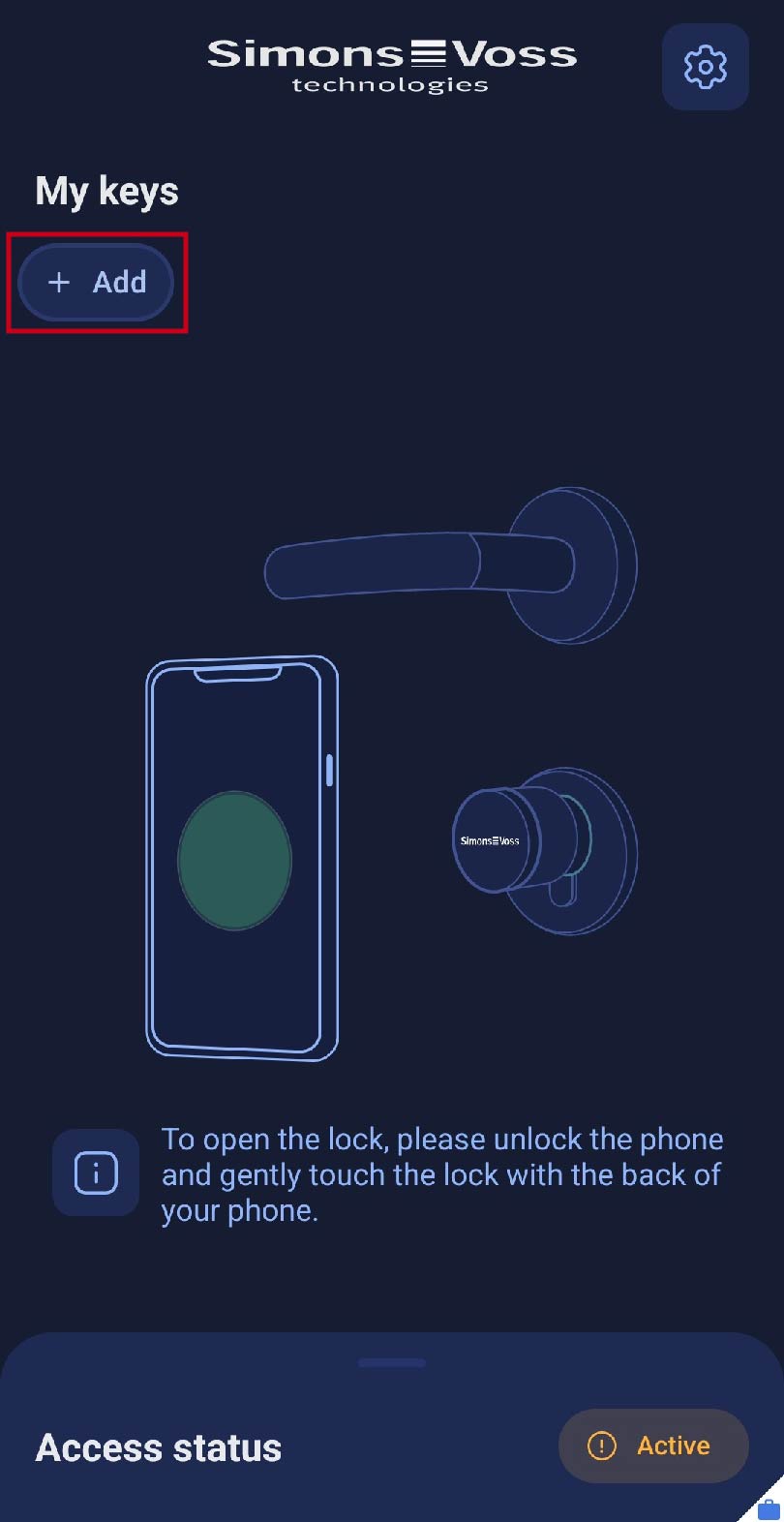
- Click on the field
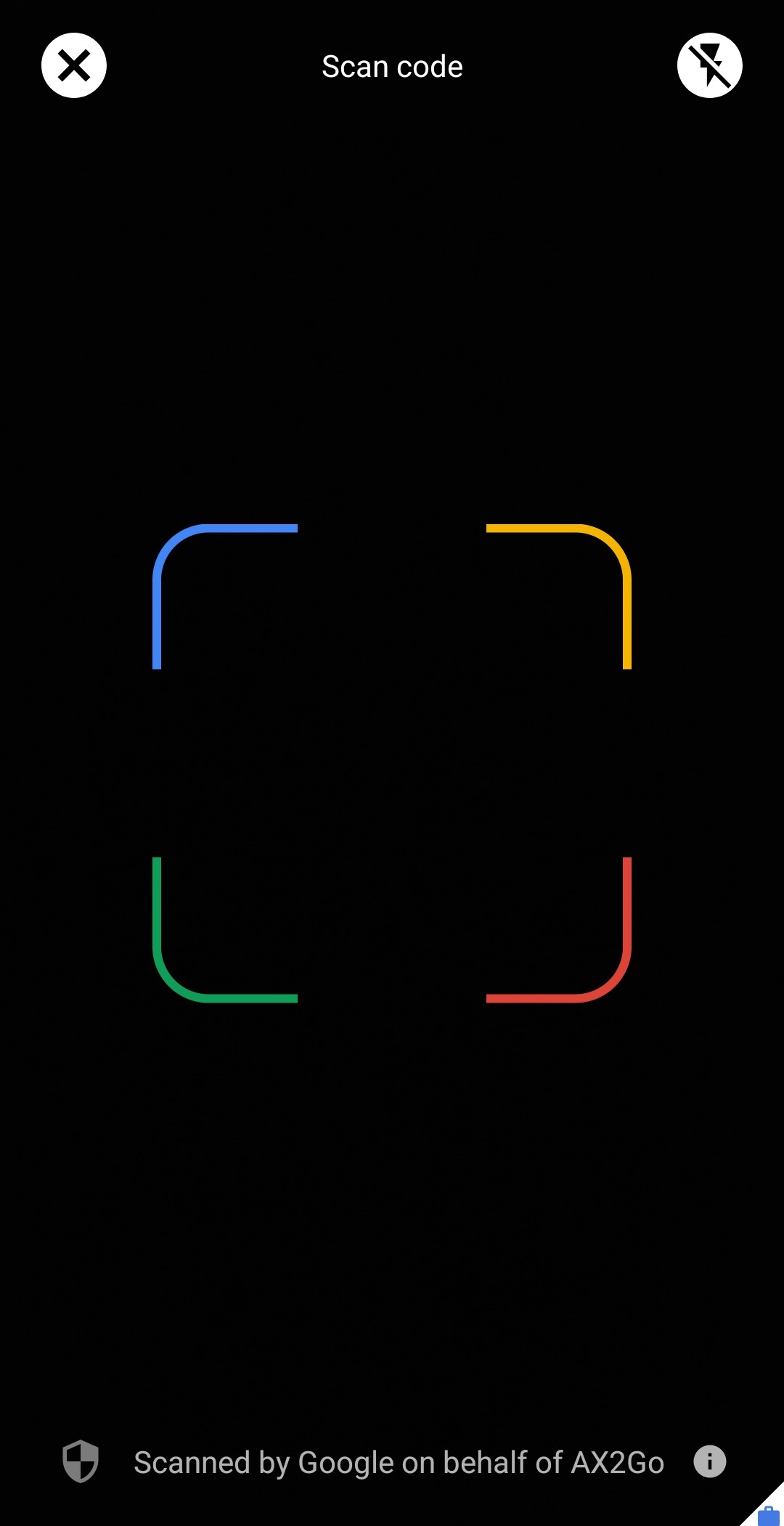
- You will be redirected to the QR code scanner.
- Now scan the QR code that the locking system administrator provided.
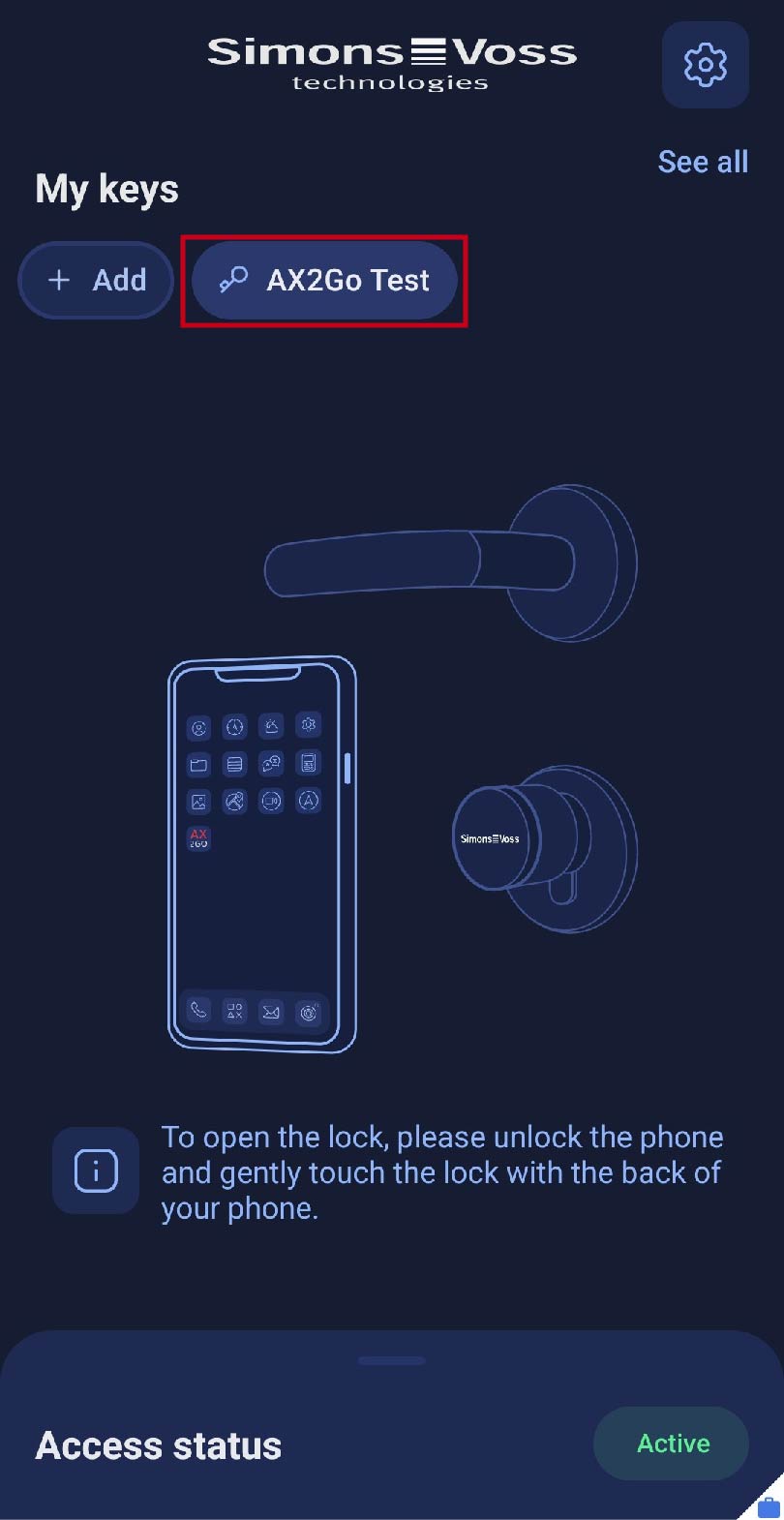
- Your key has been added and activated and is now visible on the AX2Go app home page.