Editing key names - AX2Go
You can also edit the name of your key.
- To do so, click on the pencil icon in the top right-hand corner.
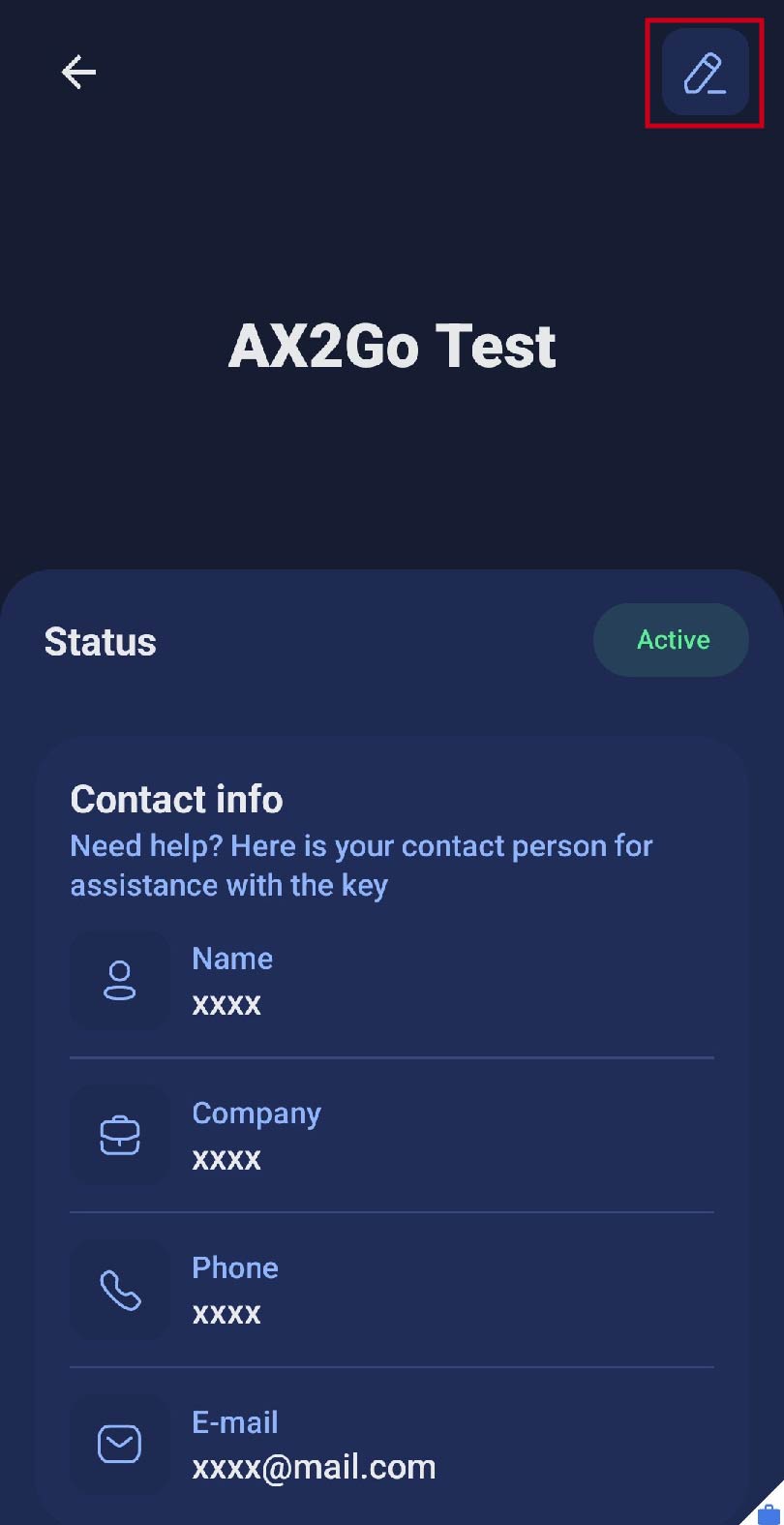
- A screen will open where you can edit the key name.
- Change the name and click on .
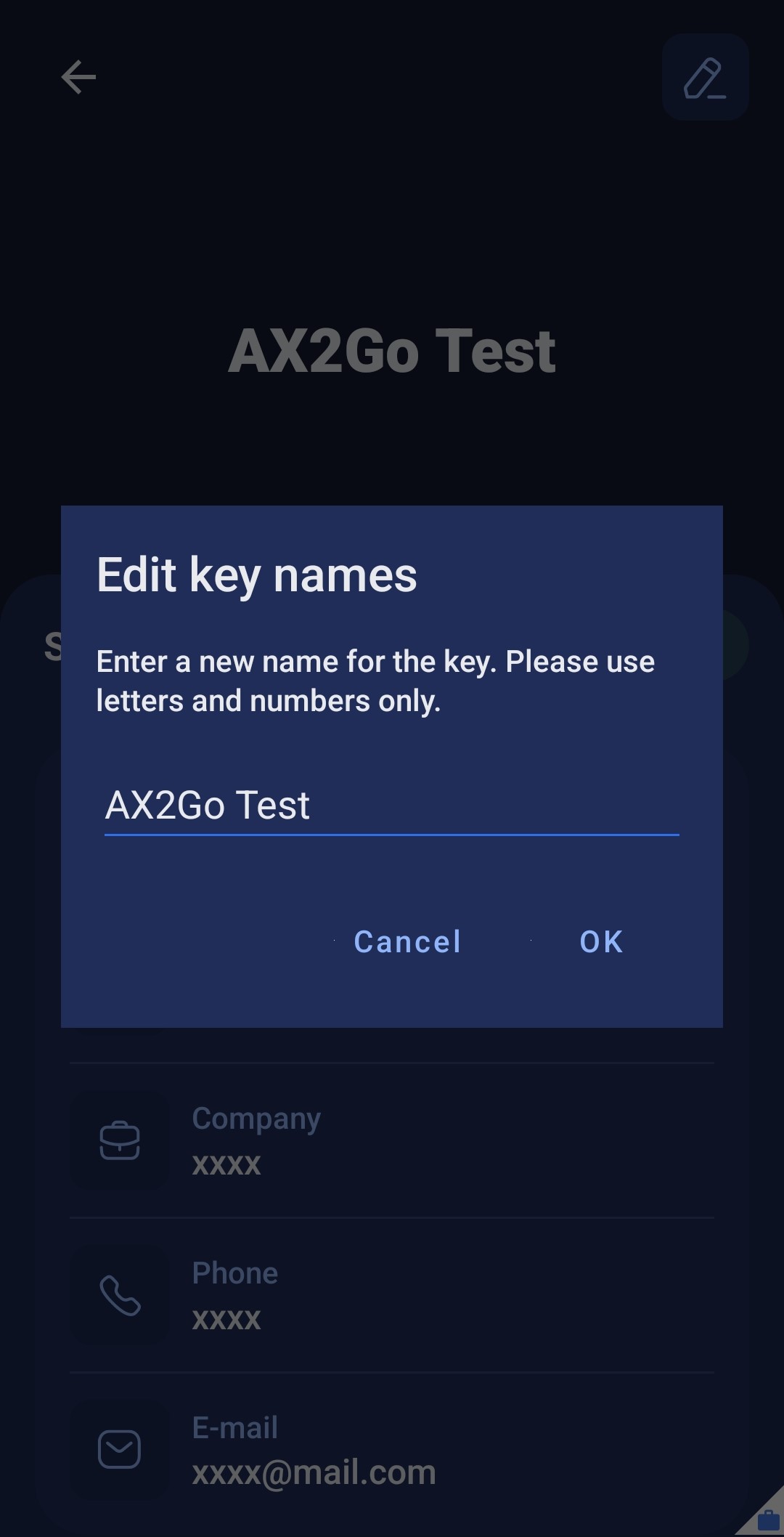
- You have successfully changed the name of your AX2Go key.