General - EventAgent
The event agent displays network messages.
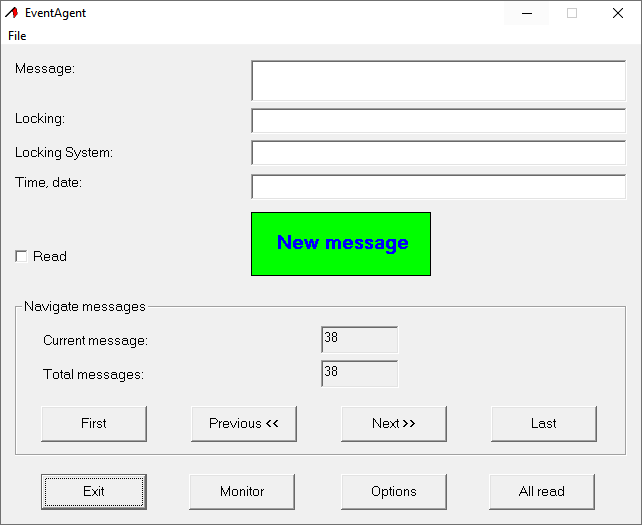
Network messages are sent by the event manager of the LSM if you have selected the entryNetwork reaction in the response in the drop-down menu.
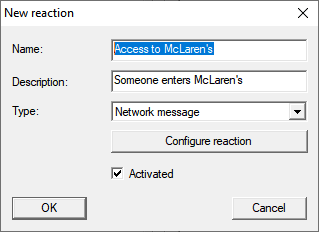
If the event with the response occurs and a new network message arrives as a result, you will be notified accordingly.

The EventAgent automatically shows you the most recent network message. Once you have read the network message, you can mark the network message  Readas read with the checkbox.
You can use the button toAll read mark all messages read at the same time.
Once you have marked all network messages as read, the notification for new network messages will disappear.
NOTE

Network messages are saved.
You cannot delete network messages in the EventAgent. Once the EventAgent has reached the adjustable maximum number of network messages, it automatically deletes the oldest messages.
View other messages
Use the buttons in the area Navigate messagesto switch between the network messages.
First | Displays the oldest saved network message. |
Previous << | Displays the next-oldest network message. |
Next >> | Displays the next most recent network message. |
Last | Displays the most recent saved network message. |