Battery replacement - Digital Padlock AX (Z5.PL)
NOTE

Battery contact malfunction due to grease film
When touching batteries, leave a thin film of skin grease on the batteries. This film deteriorates the contact between the electronics and the batteries.
- Do not touch the contacts of the new batteries with your hands.
- Use clean and grease-free gloves.
Maintaining the condition during battery replacement
The Digital Cylinder AX cannot engage or disengage without power supply. Therefore, while the batteries are removed, the Digital Cylinder AX retains its current locking status and its data status (programming and stored logs).
- Special tool available.
- Align the thumb turn horizontally.
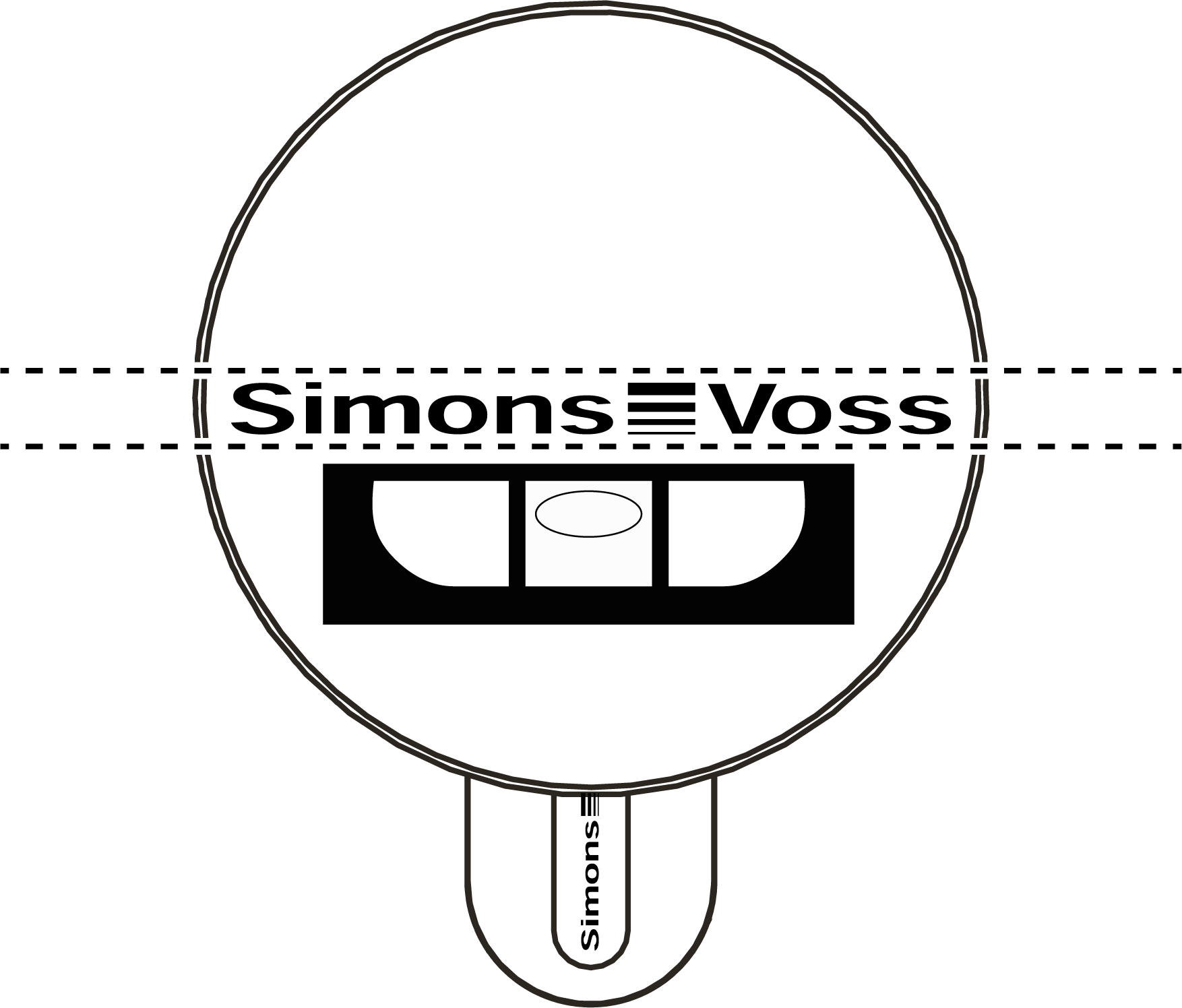
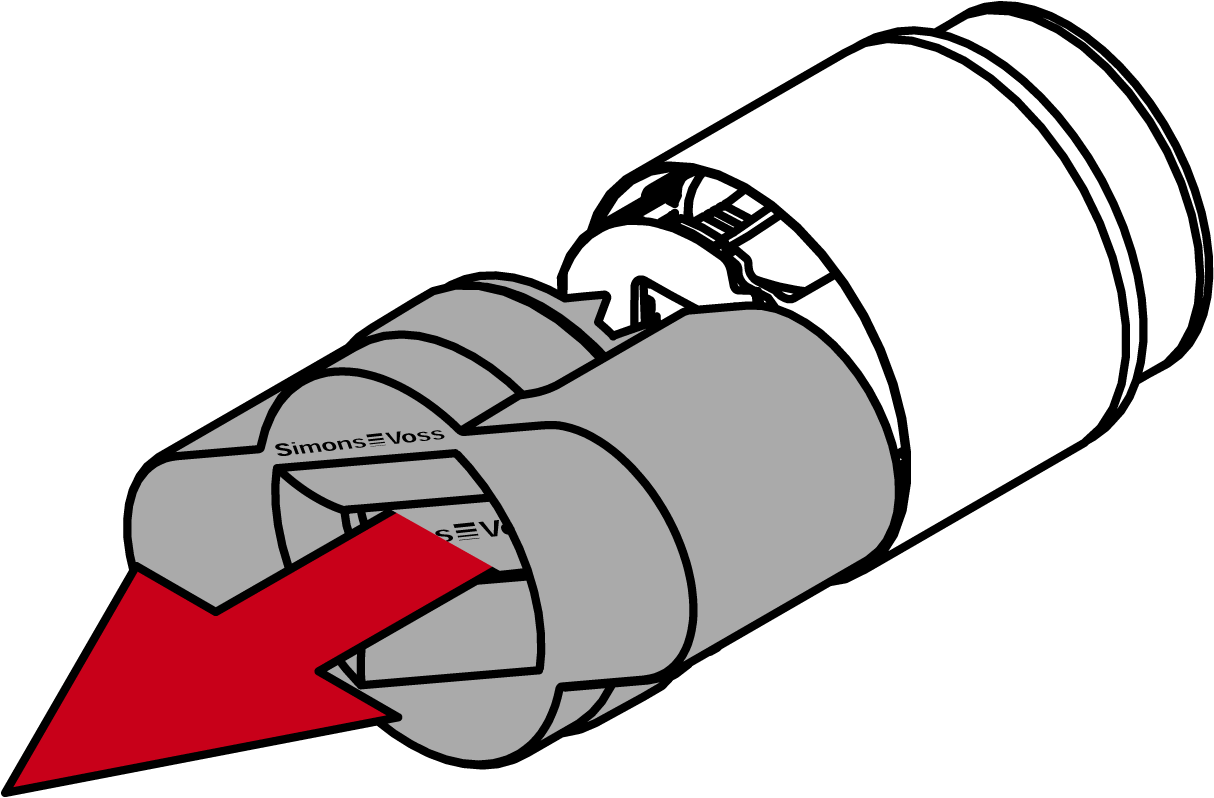
- Attach the special tool.
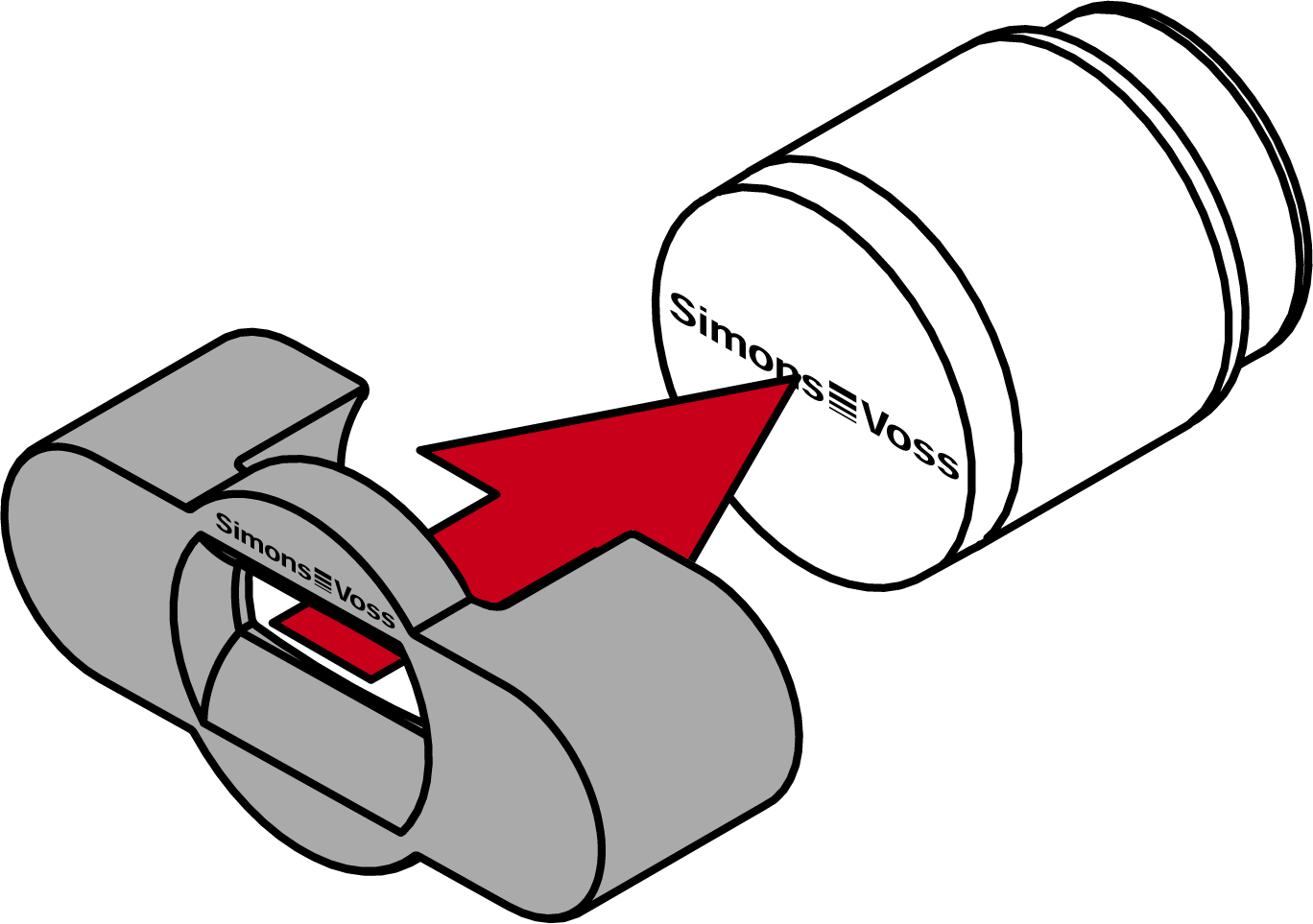
- Align the special tool so that the logo is parallel to the recess.
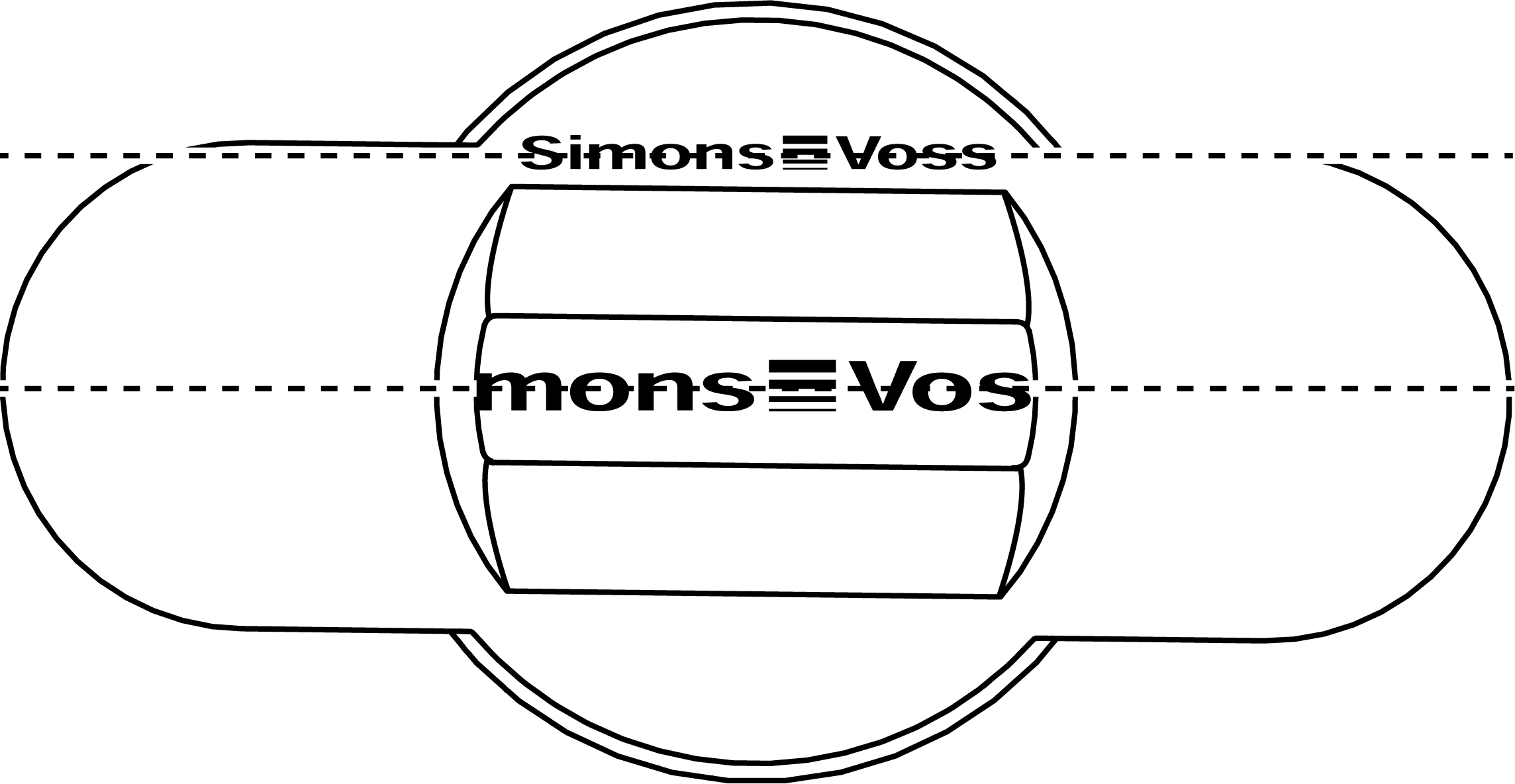
- Hold the special tool and thumb turn cap firmly at the same time and turn them together 1-2° clockwise first and then counter-clockwise.
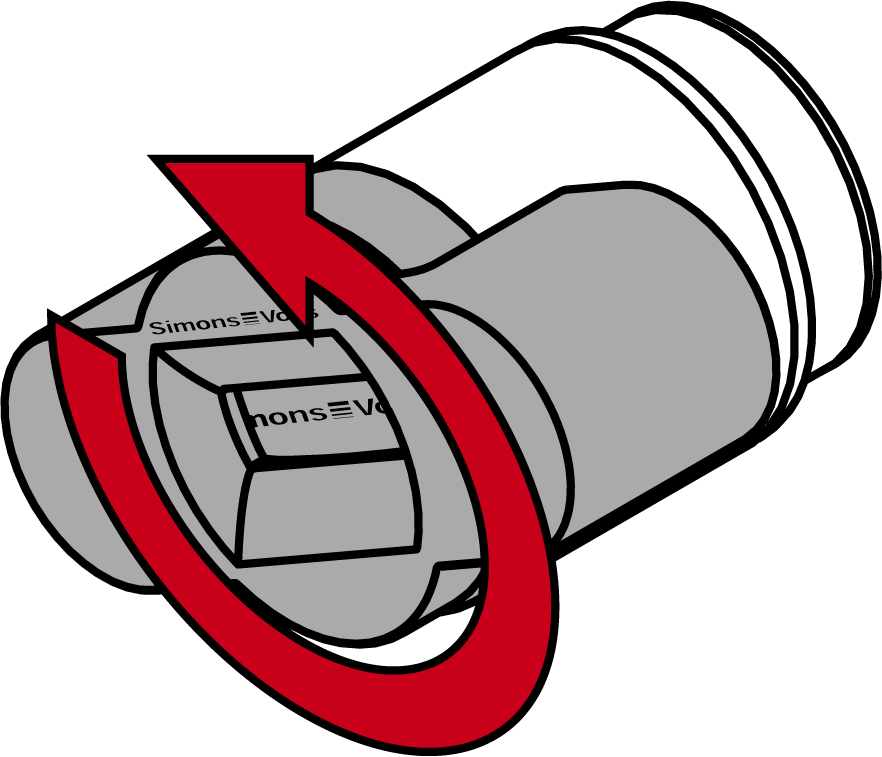
- Remove the tool and cover.
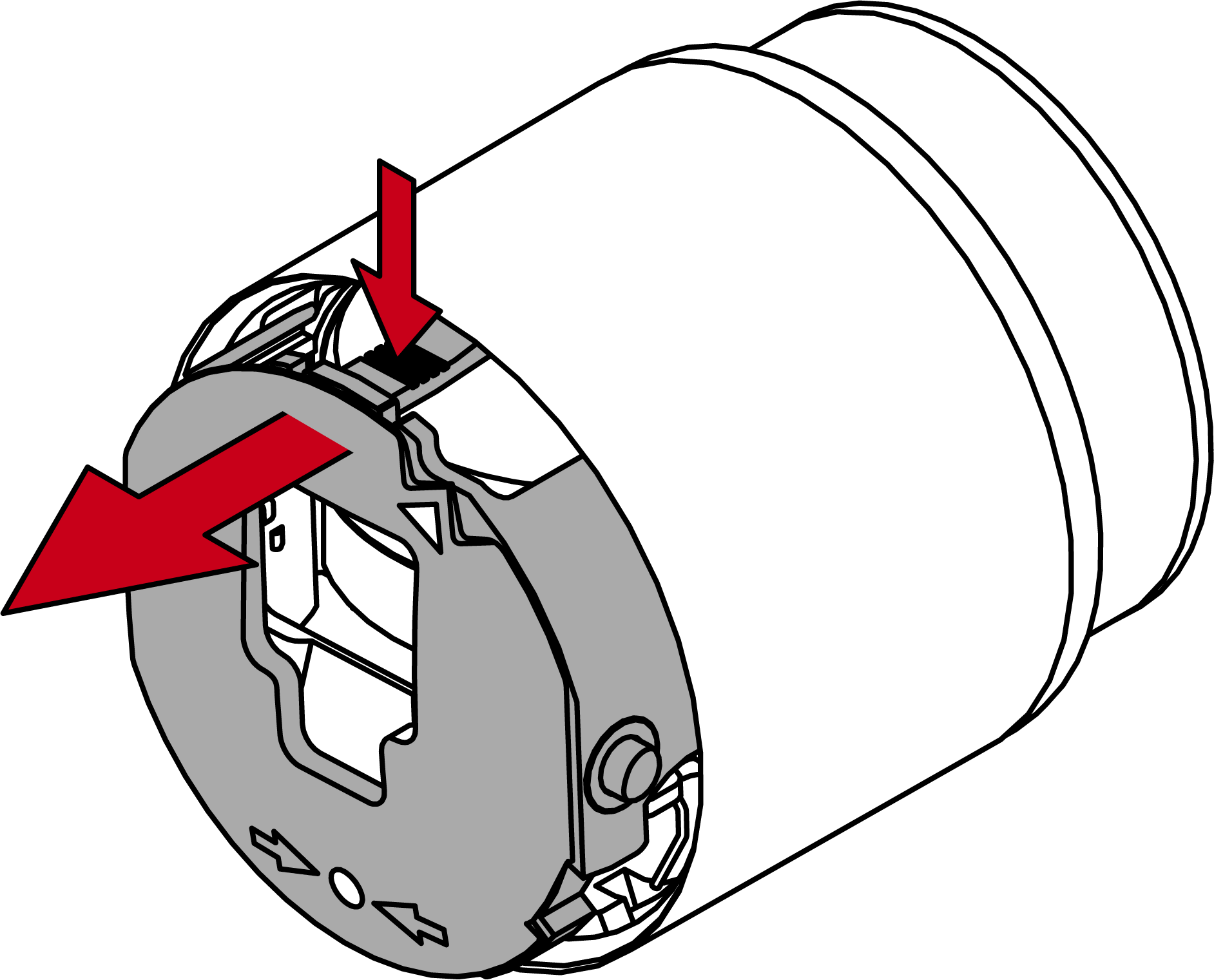
- Push the latch inward and open the battery cover.
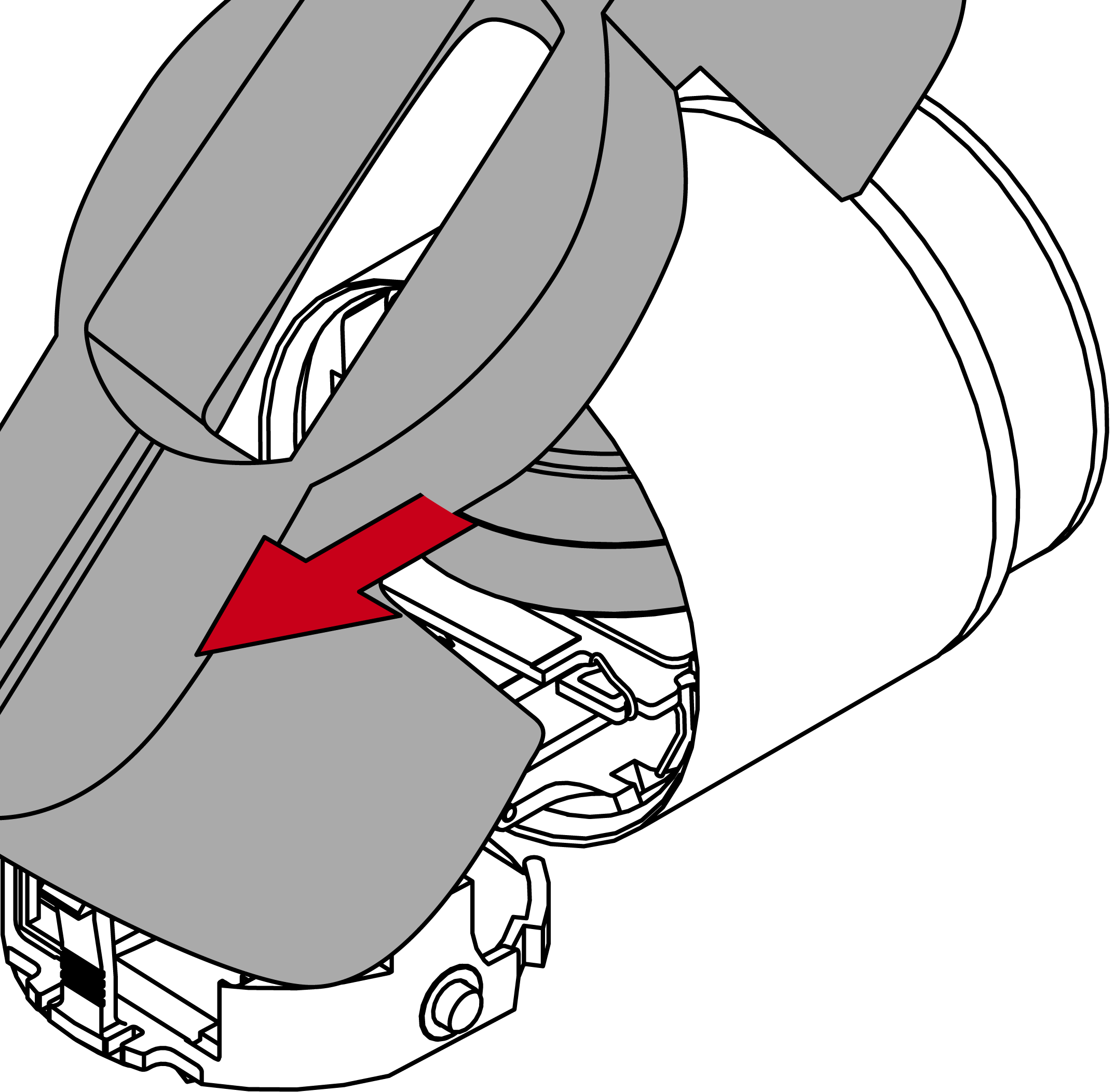
- Remove the batteries with the special magnetic tool.
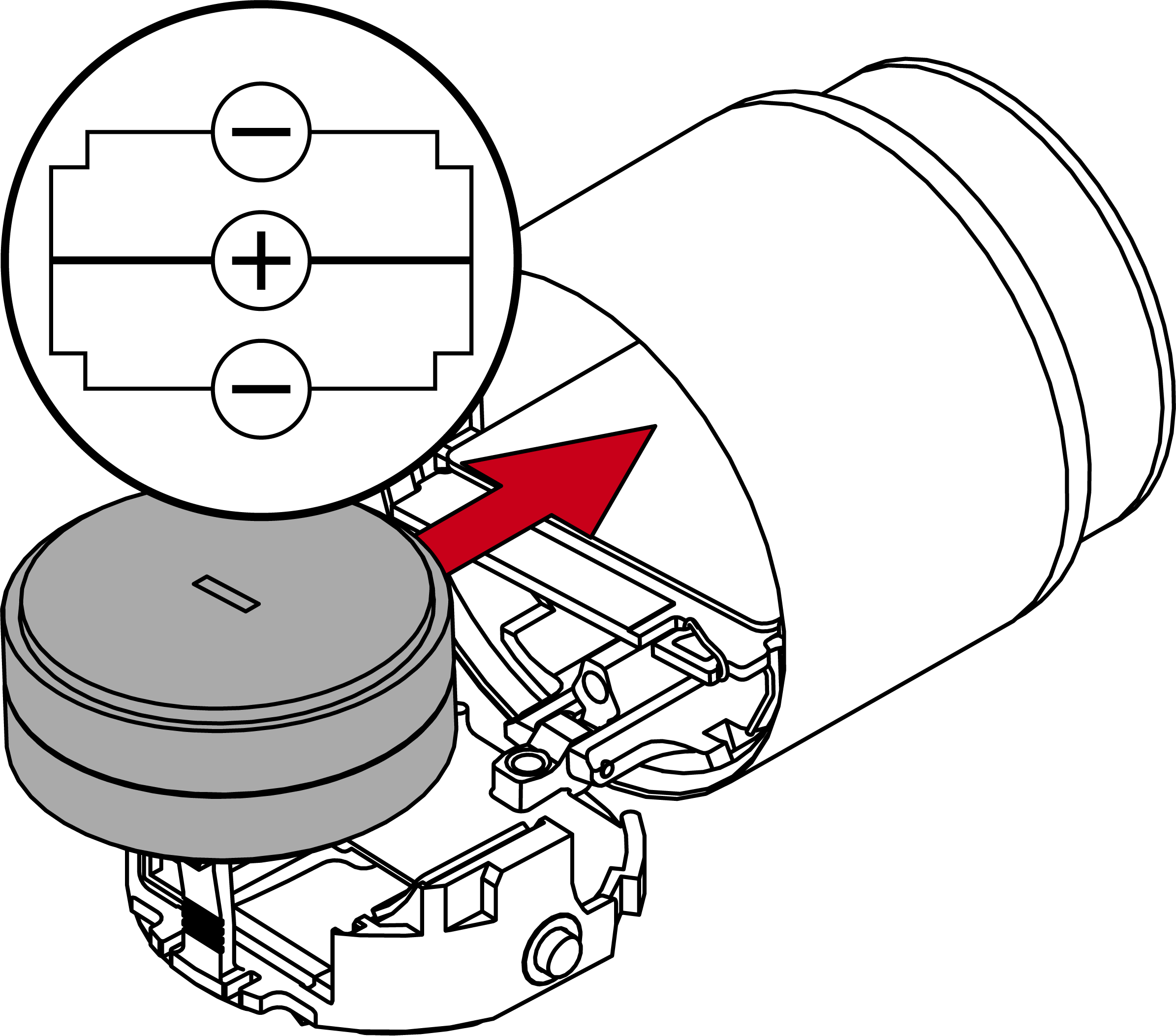
- Insert the new batteries (positive poles touching in the middle).
- Close the battery cover.
- Cylinder signals the successful change with triple red flashing and beeping.
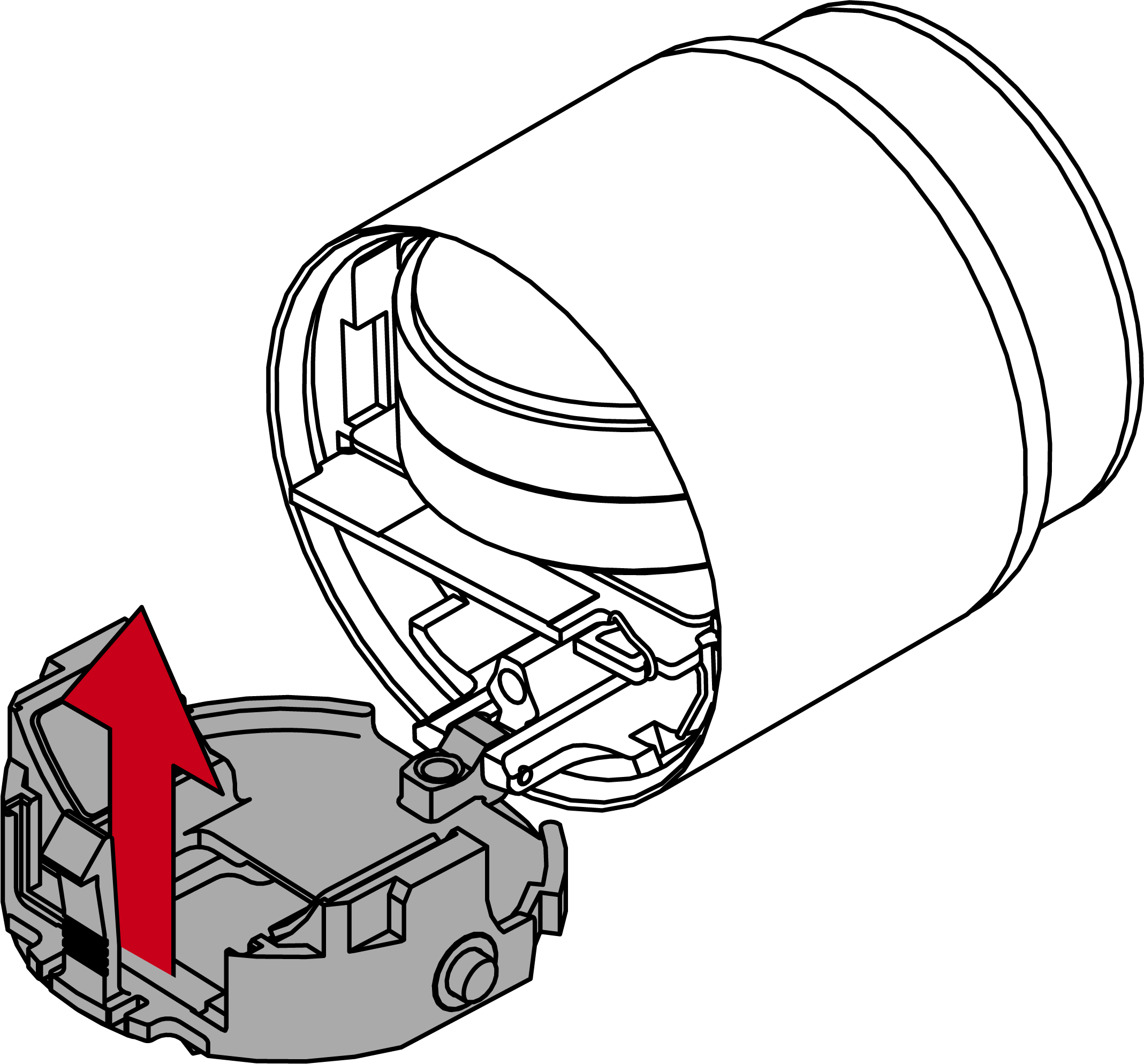
- Put on the cover.
NOTE
Align the thumb-urn cover and thumb-turn using the triangles as shown in the graph.
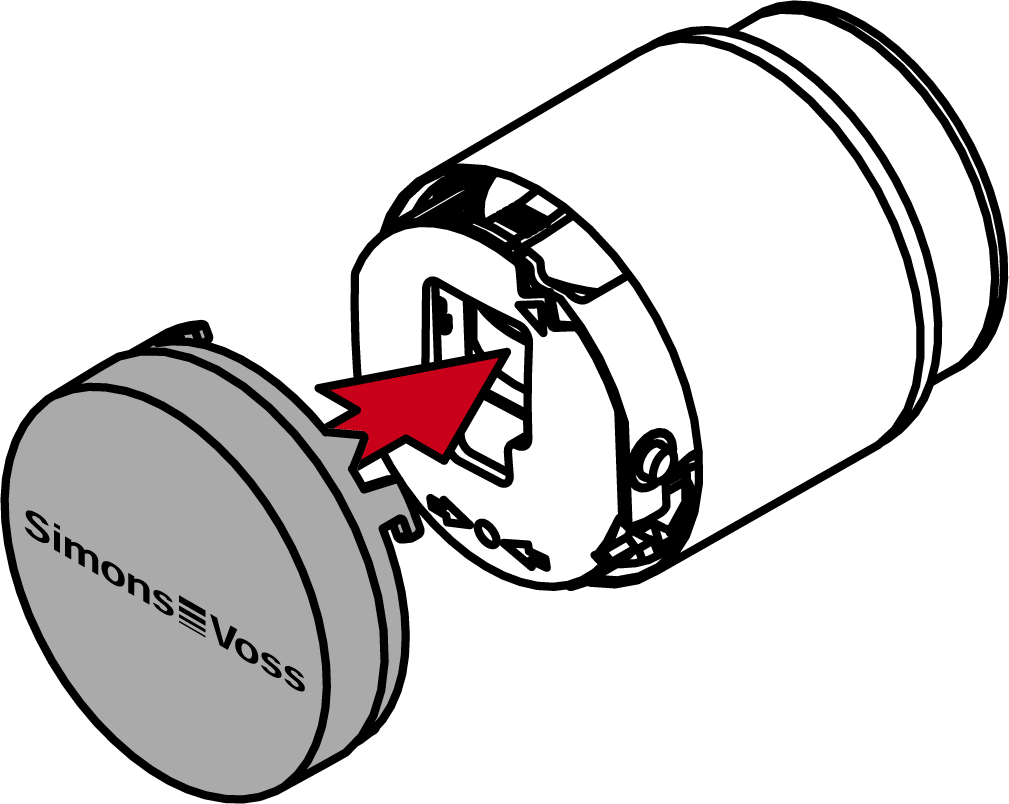
- Turn the cover clockwise.

- The cover snaps into place with one click.
- Carry out a function test.
- Batteries are replaced.