Operation: - BAMO WaveNet radio tester
NOTE

Falsification due to changed base station location
A changed location of the base station falsifies all measurement results obtained so far.
- Do not change the location of the base station until the measurements have been completed.
Preparation
- Base station and handset or accessories undamaged.
- Handset battery full (see Battery test and battery replacement).
- Screw the antenna onto the base station.
- Set up the base station at the planned location of the router node.
- Align the base station so that the antenna is vertical.
- Connect the base station to the power supply.
- The green LED inside the base station flashes.
- Insert the battery into the mobile station.
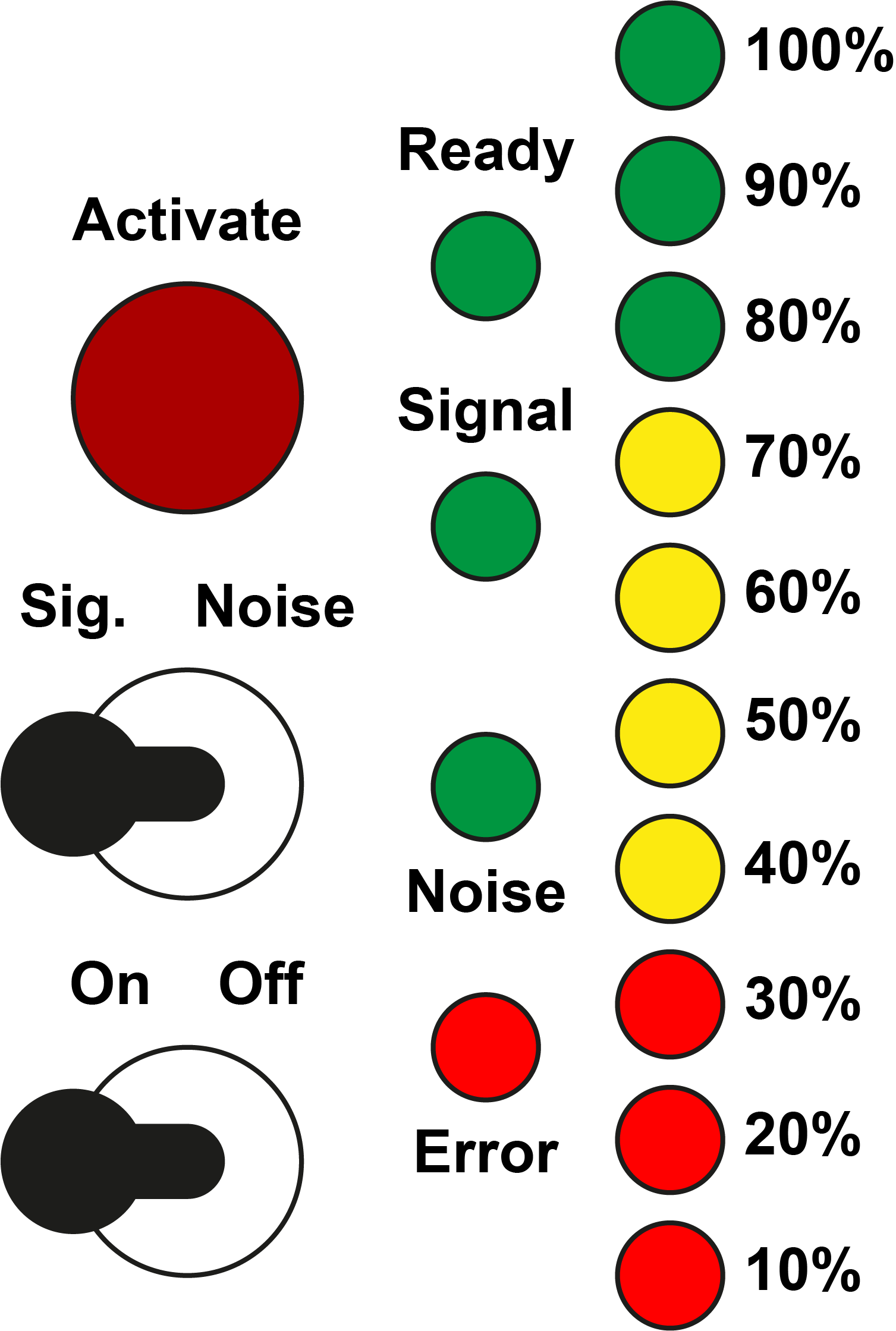
- Switch on the mobile device with the on/off toggle switch.
- All LEDs light up temporarily.
- Ready LED lights temporarily.
- Ready LED flashes.
- BAMO ready for operation.
If the error LED lights up permanently, there is a hardware defect.
Measurement
- BAMO ready for operation.
- Go to the locking device whose WaveNet accessibility you want to test. In the process, close all doors between the base station and the locking device to be tested.
- Set the Sig/Noise toggle switch to the Sig position (signal measurement).
- Hold the handset with its arm extended next to the LockNode locking device.
- Press the Activate button.
- Signal strength is measured and displayed (see table).
- Data packet transmission is measured and displayed (see table).
- Repeat the signal strength measurement twice.
- Set the Sig/Noise toggle switch to Noise (interference signal measurement).
- Hold the handset with its arm extended next to the LockNode locking device.
- Press the Activate button.
- Interference signal strength is measured and displayed (see table).
Signal strength |
| Connection can be used (3060) | Connection can be used (SmartIntego) |
|---|---|---|---|
100%-80% | Optimal | Yes | Yes |
70% | Sufficient | Yes | Yes |
60% | Sufficient | Yes | No |
50%-40% | Sufficient | Yes | No |
30%-10% | Too weak | No | No |
No display | No connection | No | No |
Data packet transmission |
| Connection can be used (3060) | Connection can be used (SmartIntego) |
100%-80% | Good | Yes | Yes |
70%-10% | Poor | No | No |
No display | No connection | No | No |
If one of the connections cannot be used, you have the following options:
- Repeat the measurement.
- Reduce the distance between the base station and the mobile station.
- Set up another RouterNode to improve coverage and also measure from its position.
Interference signal strength |
| Connection can be used (3060) | Connection can be used (SmartIntego) |
|---|---|---|---|
No display | No interference signal | Yes | Yes |
100%-10% | Interference signal | No | No |
If an interference signal is detected during the interference signal measurement, another device transmits on the same or a similar frequency band. In this case, contact SimonsVoss Technologies GmbH.
NOTE
Additional Check in the WaveNet Manager
The signal strength in the WaveNet Manager should be between 0 dBm and -70 dBm.
If the signal strength is between -75 dBm and -90 dBm, the connection and communication between the devices may become slow or interrupted, and there will also be higher power consumption.
- Check the dBm values in the WaveNet Manager and, if necessary, add more routers or antennas.
Explanation of stricter SmartIntego values
The SmartIntego values are stricter due to how the system works. The use of communication is divided as follows:
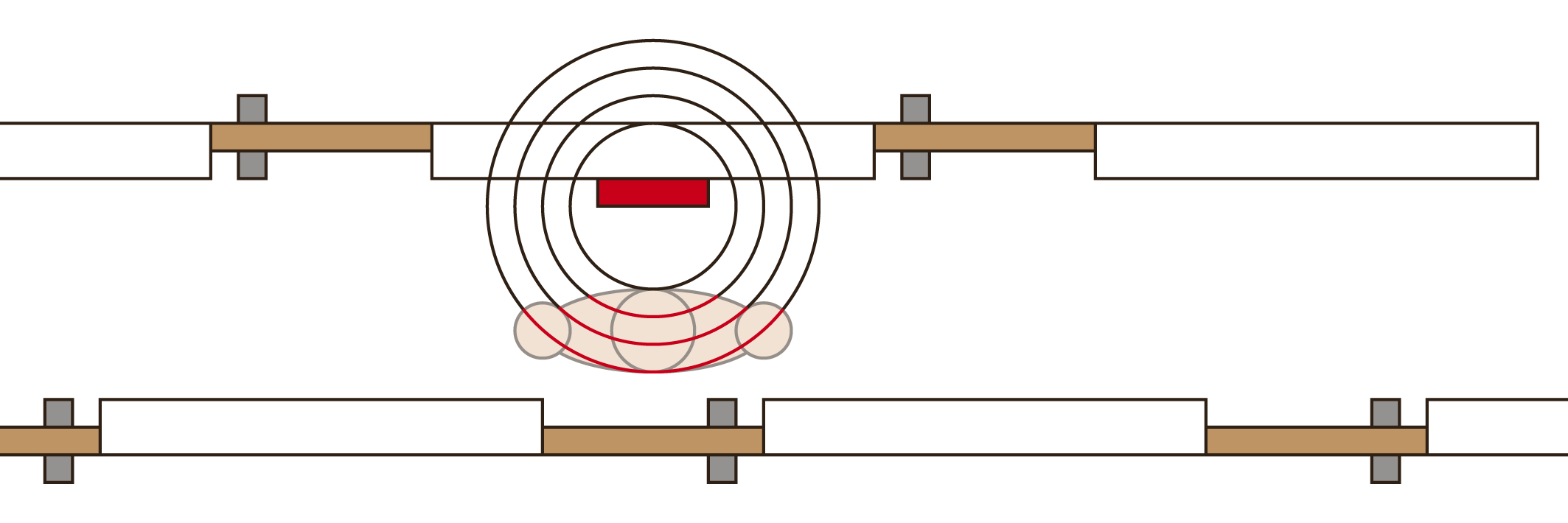
When the door is opened, the cardholder often stands between the locking device and the gateway code and dampens the signal additionally: