Differences in operation depending on firmware version - SmartIntego PIN code keyboard online
The firmware version can be found on the product sticker. This is located on the back of the SmartIntego PIN code keypad.
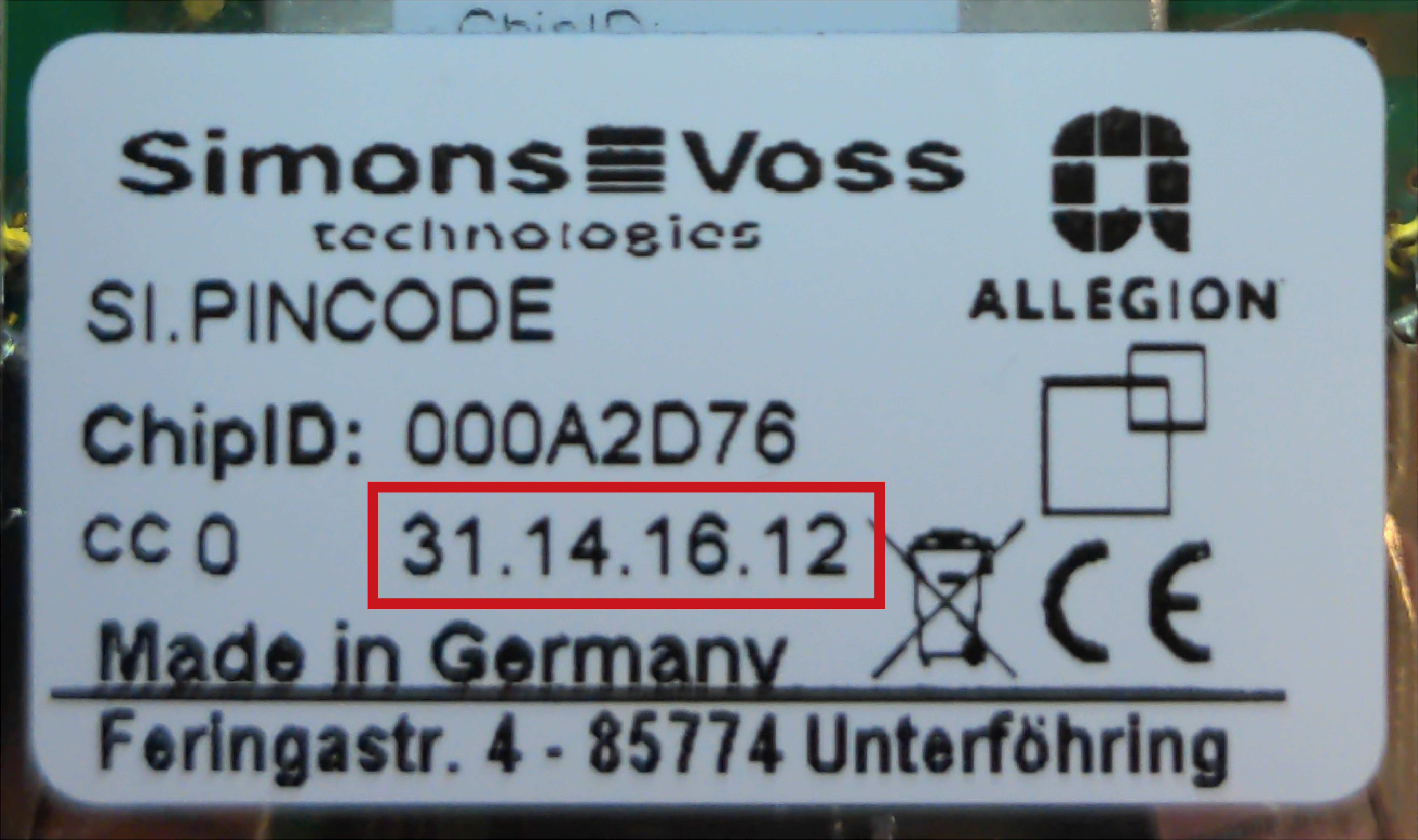
31.14.16.12 or newer (from approx. 2021) | Up to 31.14.16.11 | |
|---|---|---|
User PINs | May start with 0. | Must not start with 0. |
Start configuration mode (e.g. for changing the master PIN) | Press 0 for at least two seconds until the orange double flash appears. Then release. | Press 0 and release. |
Mute | Possible (see Mute (from firmware 31.14.16.12)) | Not possible |
Signalise firmware | Possible (see Signalise firmware version) | Not possible |