Battery replacement - MobileKey Transponder
The transponder battery can be replaced at any time.
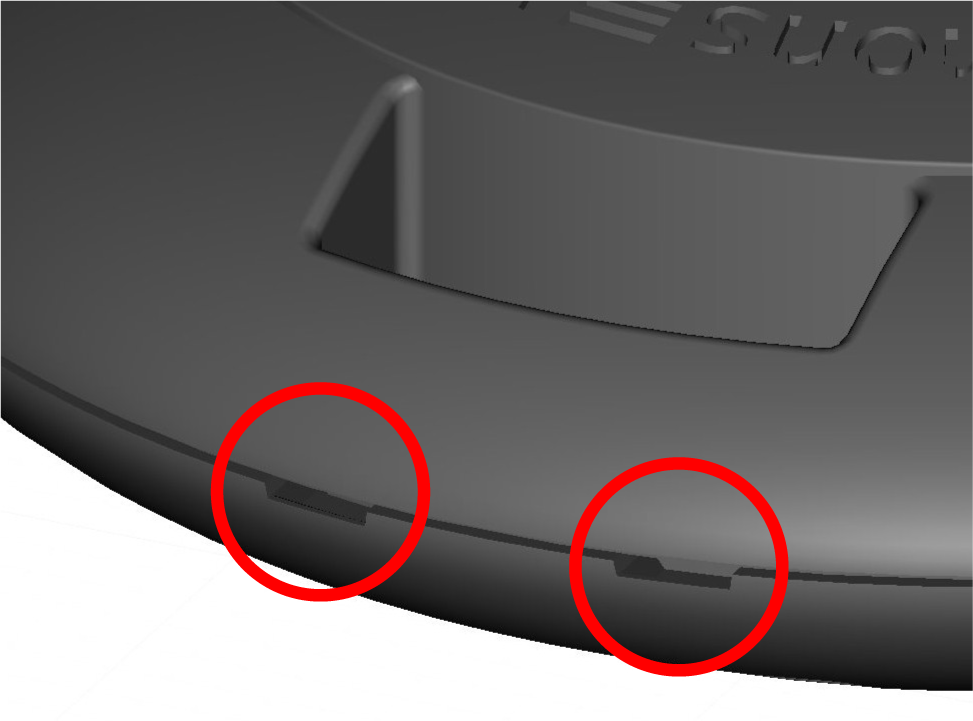
- Carefully open the casing at the notches, so that you can see the battery.
- Open the battery holder.
- Remove the battery.
- Insert a new battery (negative pole to the circuit board).
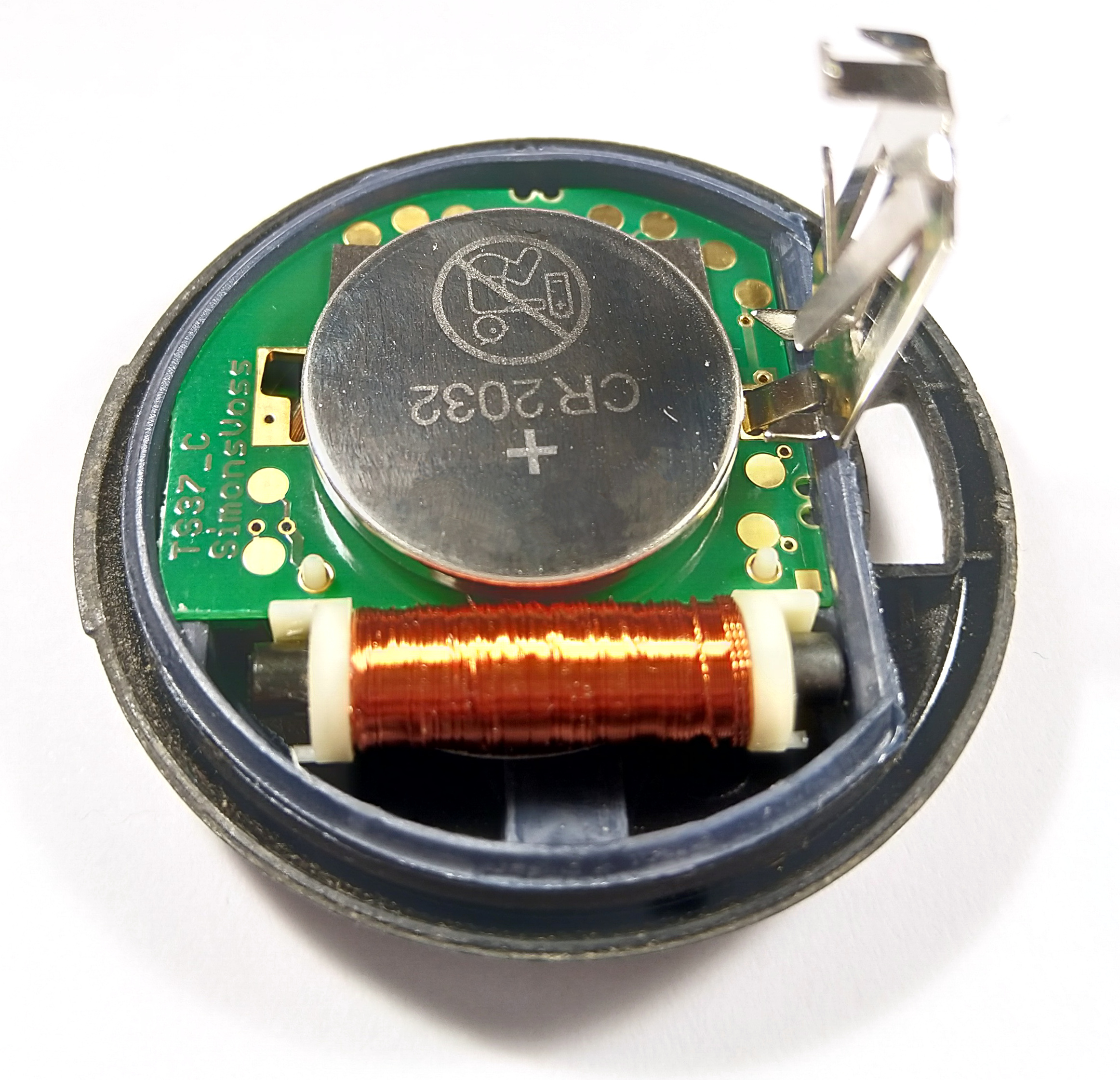
- Close the battery holder.
- Press the casing together again.
- Casing lid clicks back into place.
- Battery is replaced.
CAUTION

Lack of power supply on battery replacement
The transponder may lose data due to the interruption in power supply. Do not interrupt the power supply for longer than two minutes. Do not press the button when there is no power and avoid short circuits.