PINCode - System 3060
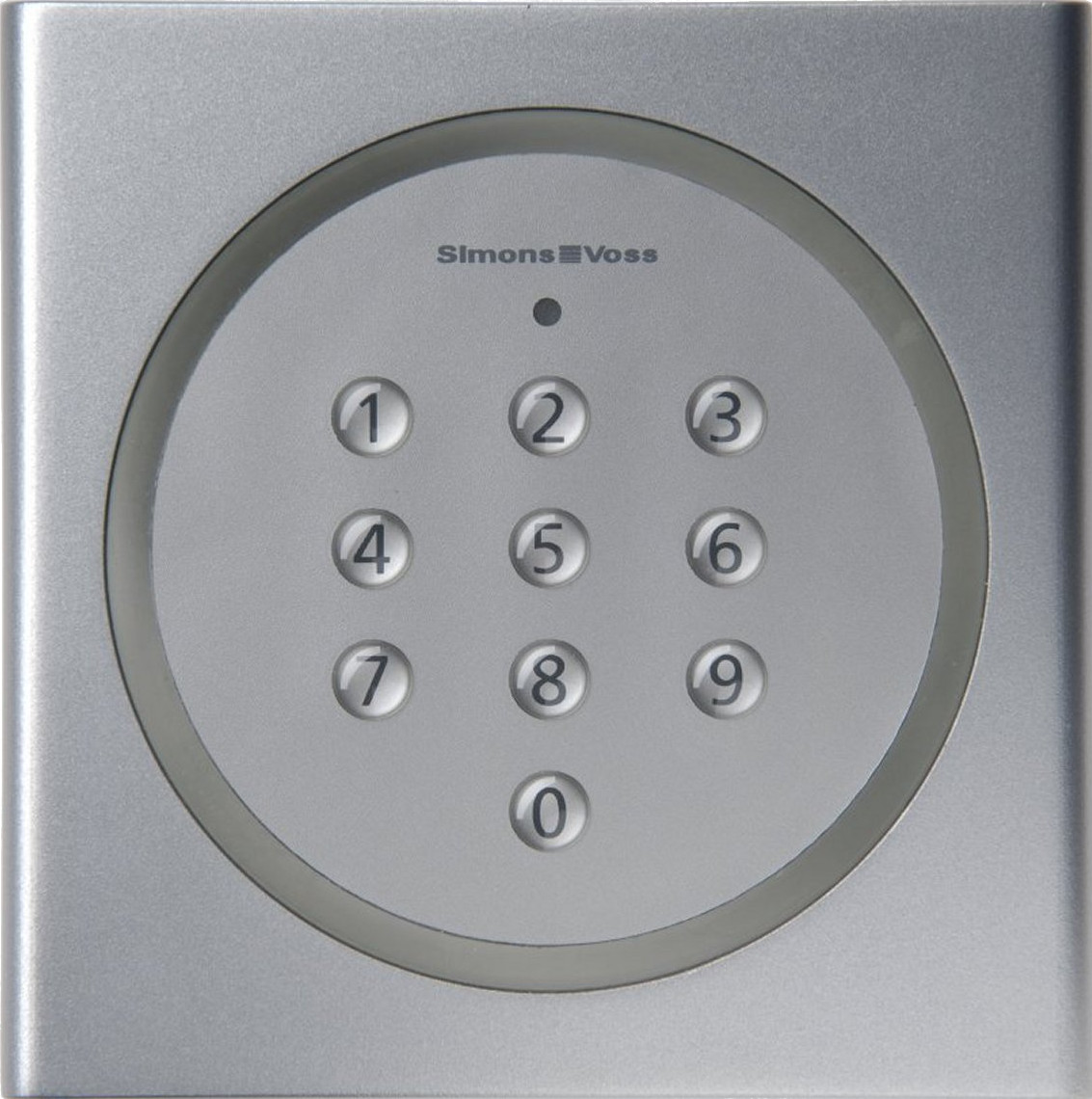
SimonsVoss offers two products in System 3060 into which a PIN can be entered:
- PinCode keypad
- PinCode Terminal
The main difference is that the PinCode terminal requests a second feature in addition to the PIN (two-factor authentication).
After programming and easy installation (gluing or screwing), you no longer have to worry about anything else for both products until you get a warning of weak batteries (up to 100,000 activations or up to ten years on stand-by).
PinCode keypad
You can create up to three user PINs with a freely selectable master PIN. You can authorise these user PINs independently of each other at a locking device in the LSM. After entry of an authorised user PIN, the corresponding locking device opens.
The use of a PIN code keypad is particularly useful if it is impractical to work with physical identification media, e.g. at a conference.
PinCode terminal
Depending on the operating mode, the PinCode terminal requires the following to open:
- Entry of a freely selectable user PIN and transponder ID
- Activation of the identification medium and entry of a freely selectable user PIN
- Activation of the identification medium and entering a fixed user PIN
LSM is used to set up the PinCode terminal operating mode. A single PinCode terminal supports up to 500 user PINs.
Two-factor authentication increases security in the system. Potential thieves, for example, don't just need to have the transponder, they must also enter the corresponding user PIN.